The Adobe PDF Zero-Day: Why Browser-Based Tools Are Safer
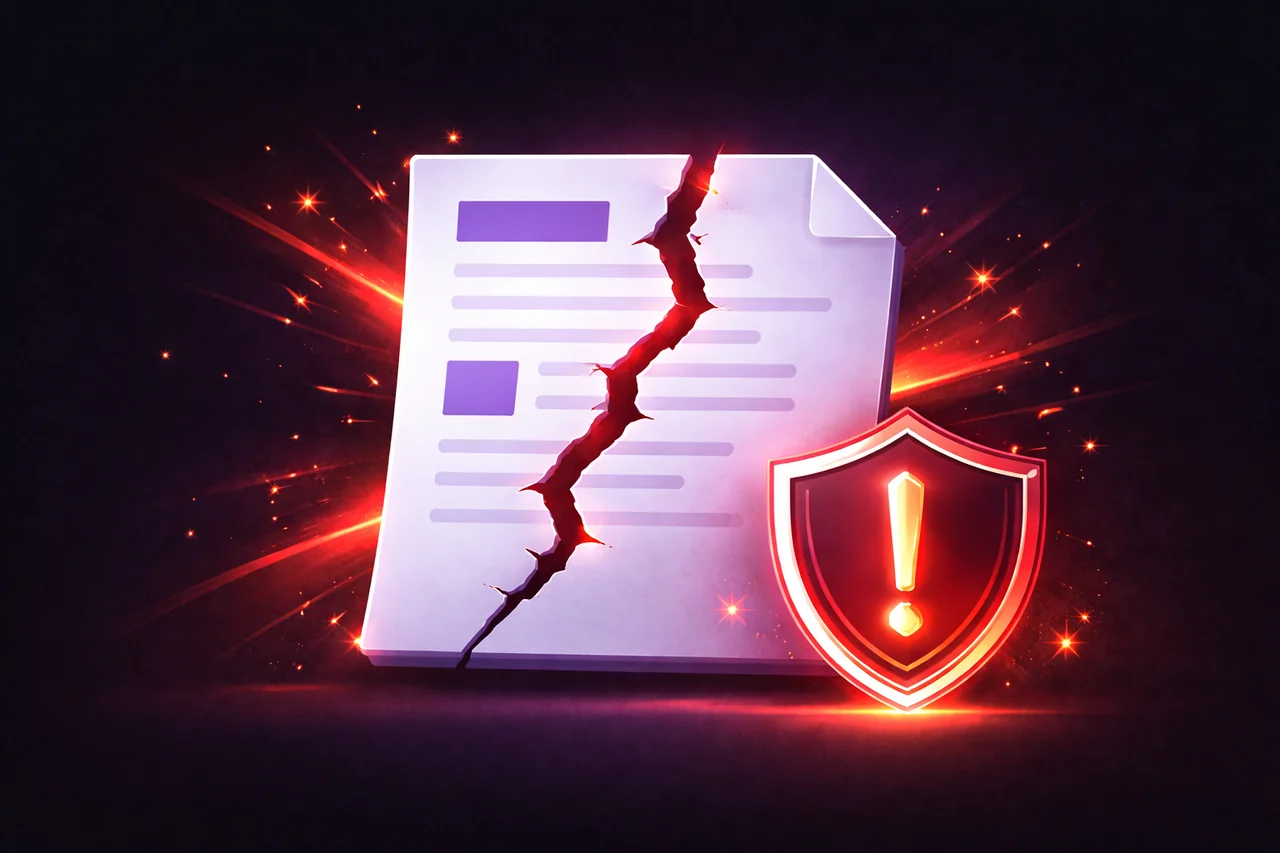
On April 13, 2026, Adobe released an emergency security update for Acrobat Reader to patch CVE-2026-34621 — a critical zero-day vulnerability that had been actively exploited since at least November 2025. The vulnerability allows attackers to execute arbitrary code on a victim's computer simply by getting them to open a malicious PDF file.
No extra clicks. No macros to enable. No suspicious links to follow. Just open the file, and the attacker has access to your system.
This is the kind of vulnerability that should make every professional who handles PDFs reconsider how their tools work.
What CVE-2026-34621 Does
The vulnerability exploits a flaw in how Adobe Acrobat Reader handles JavaScript embedded inside PDF documents. PDFs aren't just static pages — the PDF format supports embedded JavaScript that can execute when the document is opened.
CVE-2026-34621 is a prototype pollution vulnerability in Acrobat Reader's JavaScript engine. When a victim opens a specially crafted PDF, the embedded code exploits this flaw to run arbitrary commands on the user's computer with the permissions of the current user.
Security researchers found that the exploit was used to fingerprint victim systems, collect information about installed software, and communicate with external command-and-control servers. In some cases, additional malware was downloaded and executed. The vulnerability affected all supported versions of Adobe Acrobat Reader on both Windows and macOS.
CISA added CVE-2026-34621 to its Known Exploited Vulnerabilities catalog on April 13, requiring federal agencies to patch by April 27.
Why Desktop PDF Readers Are Vulnerable
The core issue isn't a bug in Adobe's code — it's an architectural problem with how desktop PDF readers work.
Desktop applications like Adobe Acrobat Reader run with the full permissions of your user account. When you open a PDF in Acrobat, the application can access your file system, your network, and your operating system APIs. The PDF format's support for embedded JavaScript means that a malicious document can leverage all of those capabilities.
This isn't unique to Adobe. Any desktop PDF reader that supports JavaScript execution inside PDFs — including some open-source alternatives — faces the same class of risk. The PDF specification itself includes features that, when implemented in a desktop application with system-level access, create an attack surface that attackers have exploited repeatedly over the past decade.
Adobe has patched dozens of critical PDF-related vulnerabilities over the years. CVE-2026-34621 is the latest in a long pattern.
How Browser-Based Tools Are Different
When you process a PDF in a browser-based tool, the architecture is fundamentally different.
Browser sandbox. Web browsers run JavaScript in a sandboxed environment that is deliberately isolated from the operating system. A script running inside a browser tab cannot access your file system, execute system commands, or read data from other tabs. This is a security boundary enforced by the browser engine itself — Chrome, Firefox, Safari, and Edge all implement this isolation.
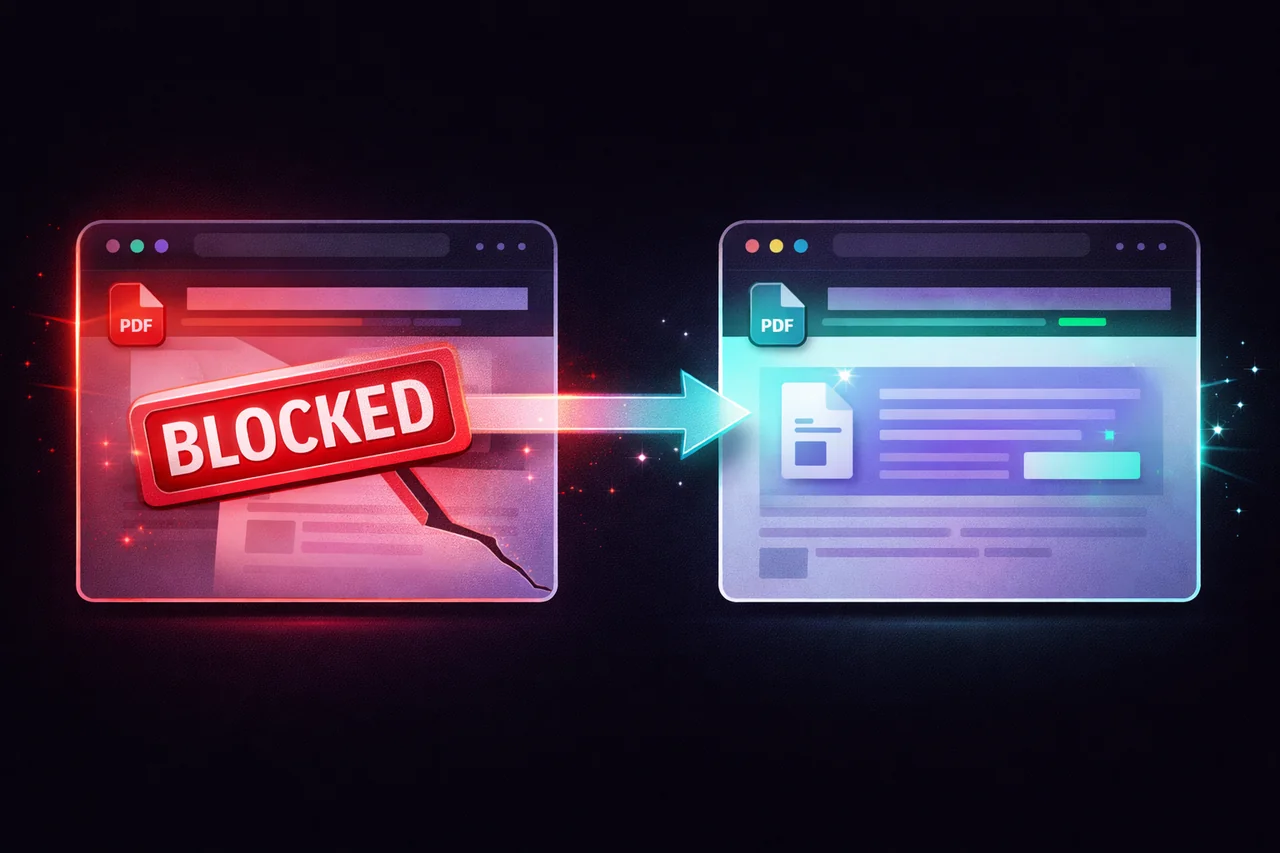
No embedded JavaScript execution. Browser-based PDF tools like EdgeDocs use libraries such as pdf.js and pdf-lib to render and manipulate PDFs. These libraries parse the PDF structure to extract text, images, and page layouts — but they do not execute JavaScript embedded inside the PDF. The malicious code in CVE-2026-34621 would simply be ignored because the rendering engine doesn't interpret it.
No system-level access. Even if malicious code somehow executed inside a browser tab (which would require bypassing the browser's own security), it would run in the browser's sandbox with no access to the file system, no ability to install software, and no way to contact external servers without violating same-origin policies.
This isn't a theoretical difference. It's an architectural one. Desktop PDF readers execute PDF JavaScript with system privileges. Browser-based tools render PDF content without executing embedded code, inside a sandbox that blocks system access.
What This Means for Your Workflow
If you're using Adobe Acrobat Reader — or any desktop PDF reader — to open documents from external sources, you are exposed to this class of vulnerability every time you open a file.
The standard advice is "don't open PDFs from untrusted sources." In practice, this is nearly impossible for professionals who receive contracts, invoices, applications, court filings, and other documents from external parties every day. The entire point of these documents is that they come from other people.
The alternative is to process PDFs in an environment where embedded JavaScript can't execute and system access isn't available — which is exactly what browser-based tools provide.
For viewing and reading PDFs: Your browser's built-in PDF viewer (Chrome, Firefox, Safari, Edge) all use pdf.js or similar renderers that don't execute embedded JavaScript. Opening a PDF directly in your browser rather than in Adobe Reader eliminates the attack vector.
For processing PDFs: EdgeDocs handles compression, merging, splitting, redaction, watermarking, signing, OCR, and 15 other operations entirely in the browser. Files are processed using the Canvas API and JavaScript libraries that parse PDF structure without executing embedded code.
The Broader Pattern
CVE-2026-34621 is not an isolated incident. It's part of a recurring pattern where the PDF format's rich feature set — JavaScript execution, embedded files, external URL references, form automation — creates attack surfaces that desktop applications expose to exploitation.
As long as desktop PDF readers execute embedded JavaScript with system-level permissions, this class of vulnerability will continue to appear. The architectural fix isn't better patching — it's processing PDFs in environments that don't grant system access in the first place.
Browser-based tools aren't immune to all security issues. But they are architecturally immune to the specific class of attack that CVE-2026-34621 represents: malicious code inside a PDF that gains system access through the rendering application.
What to Do Right Now
-
Update Adobe Acrobat Reader immediately if you use it. The patched versions are Acrobat DC 26.001.21411 and Acrobat 2024 24.001.30362 (Windows) / 24.001.30360 (macOS).
-
Open PDFs from external sources in your browser rather than in Adobe Reader. Right-click the file and choose "Open with" your browser, or drag it into a browser tab.
-
For PDF processing tasks — compressing, merging, redacting, signing, converting — use a browser-based tool that doesn't execute embedded PDF JavaScript. EdgeDocs processes everything locally in your browser with no file uploads and no embedded code execution.
-
Disable JavaScript in Adobe Reader if you must continue using it. Go to Edit → Preferences → JavaScript → uncheck "Enable Acrobat JavaScript." This breaks some form functionality but eliminates the attack vector.
EdgeDocs is a privacy-first PDF toolkit where all processing happens locally in your browser. Files never leave your device, and embedded JavaScript in PDFs is never executed. Try any tool free.
Ready to try secure PDF processing?
20+ privacy-first tools that process files entirely in your browser. No uploads, no servers, no risk.
Try EdgeDocs Free