Why Your Company Might Have Banned iLovePDF (And What to Use Instead)
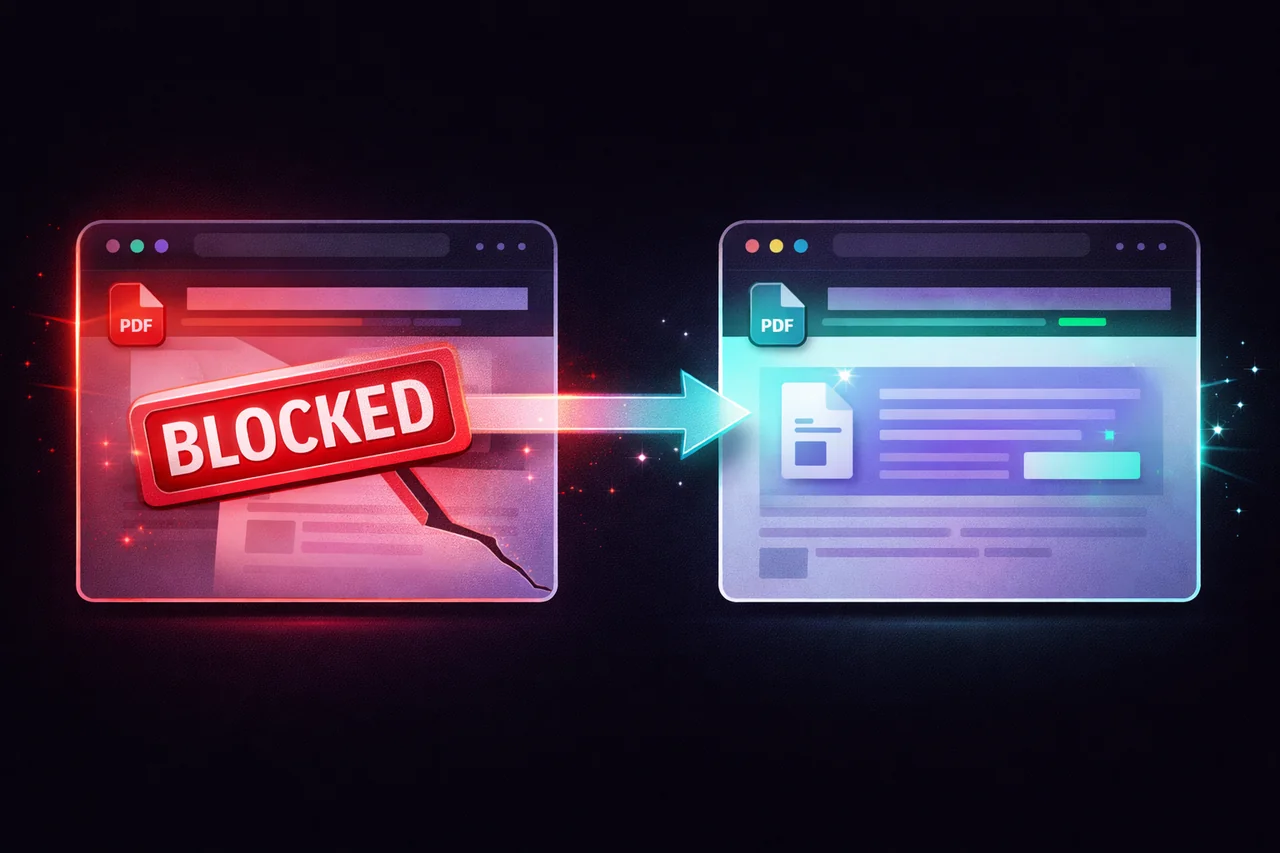
You try to open iLovePDF at work and get a screen that says "This site has been blocked by your organization." Or Smallpdf. Or PDF24's online tools. Or any of the popular free PDF conversion sites.
Your IT department isn't being difficult. They're doing their job.
Here's what's actually happening and why — and what to use instead when you genuinely need to compress, merge, or convert a PDF during your workday.
Why IT Departments Block These Sites
The reason is straightforward: every major online PDF tool uploads your file to their servers for processing.
When you compress a PDF on iLovePDF, your document travels from your work computer across the internet to iLovePDF's servers in Barcelona. Their servers process the file and send the result back. The same applies to Smallpdf (servers in Zurich), PDF24 (servers in Germany), and Adobe's online tools (Adobe's cloud infrastructure).
For personal use, this is fine. For a company that handles client data, financial records, legal documents, medical information, or proprietary business content, it's a data exfiltration risk — even if the tool itself is trustworthy.
IT security teams evaluate this risk along several dimensions:
Data leaves the corporate perimeter. Any document processed by an external tool travels outside the company's controlled network. The company loses visibility into where the data goes, how it's stored, and who can access it during processing.
No data processing agreement. Under GDPR, CCPA, and similar regulations, transferring personal data to a third-party processor requires a formal data processing agreement. Free online PDF tools don't typically offer DPAs to individual users.
Shadow IT risk. When employees use unapproved tools to process company documents, there's no audit trail, no compliance documentation, and no way for the company to assess or manage the risk.
Acceptable use policy violations. Most corporate acceptable use policies prohibit uploading company data to unauthorized external services. Using an online PDF tool with a client contract technically violates this policy.
Insurance and liability. If a data breach occurs through a tool an employee used without authorization, the company's cyber insurance may not cover the liability.
The block isn't about the specific tool being malicious. It's about the architectural reality that uploading company documents to any external service creates compliance exposure.
What Actually Happens to Your File
When you upload a PDF to a typical online tool, here's the chain:
Your file leaves your computer and travels over a TLS-encrypted connection to the tool's servers. The server receives and stores your file temporarily. Server-side software processes the file (compresses, merges, converts, etc.). The processed result is made available for download. Your original file is queued for deletion — typically after 1-2 hours.
During that 1-2 hour window, your document exists on infrastructure you don't control, in a data center you've never audited, managed by a company your employer has no relationship with.
Most of these tools are legitimate, well-run services with reasonable security practices. But "reasonable security" and "compliant with your company's data handling requirements" are different standards.
The Alternative: Local Processing
A browser-based PDF tool that processes files locally — in your browser, on your device, without uploading anything — doesn't trigger any of these concerns.
EdgeDocs processes every operation in your browser:
Your file never leaves your device. When you select a PDF, it loads into your browser's local memory. The processing happens on your device's CPU using JavaScript and WebAssembly. The result is saved directly to your device. At no point is any data transmitted externally.
No data exfiltration risk. Since no file is uploaded, there's no data leaving the corporate perimeter. IT can verify this by monitoring network traffic — there are zero file upload requests.
No third-party processing relationship. EdgeDocs never receives, stores, or processes your documents. There's no DPA needed because there's no data processing by a third party.
No AUP violation. Using a tool that processes files locally on your device is functionally equivalent to using a desktop application — the data stays within the corporate environment.
IT-friendly. EdgeDocs works through any modern browser. There's nothing to install, no desktop application to approve through software management, and no network configuration changes needed.
What You Can Do With EdgeDocs
Every tool that iLovePDF, Smallpdf, and Adobe's online suite offer — EdgeDocs has a local-processing equivalent:
| Task | iLovePDF (uploads to server) | EdgeDocs (local processing) |
|---|---|---|
| Compress PDF | ✅ Server-side | ✅ Local |
| Merge PDF | ✅ Server-side | ✅ Local |
| Split PDF | ✅ Server-side | ✅ Local |
| Convert PDF to Images | ✅ Server-side | ✅ Local |
| Convert Images to PDF | ✅ Server-side | ✅ Local |
| Rotate PDF | ✅ Server-side | ✅ Local |
| Add Watermark | ✅ Server-side | ✅ Local |
| Unlock PDF | ✅ Server-side | ✅ Local |
| Sign PDF | ✅ Server-side | ✅ Local |
| Redact PDF | ✅ Server-side | ✅ Local |
| PDF OCR | ✅ Server-side | ✅ Local |
| PDF to Excel | ✅ Server-side | ✅ Local |
Every operation in the right column happens entirely in your browser. No file upload, no server processing, no data leaving your device.
For IT Administrators
If your team needs PDF processing capability but you've blocked cloud-based tools for compliance reasons:
EdgeDocs requires no deployment. It's a website that runs in any modern browser. There's nothing to install, configure, or manage on endpoints.
Network traffic is verifiable. Your team can inspect the network activity during file processing and confirm that no document data is transmitted. The only network traffic is the initial page load (HTML, JavaScript, CSS) and analytics.
No vendor security assessment needed for file processing. Since files never leave the device, there's no data handling to assess. EdgeDocs' servers serve the application code — they never touch user documents.
Whitelisting is simple. Add edgedocs.co to your allowed list. The domain serves the application. All file processing is client-side.
The Quick Version
Your IT department blocks iLovePDF and Smallpdf because those tools upload your files to external servers — which creates compliance, privacy, and security risks for the company.
EdgeDocs processes everything locally in your browser. Your files never leave your device. There's no upload, no server processing, and no data exfiltration risk.
Try any tool free — 21 privacy-first PDF tools, all running locally.
EdgeDocs is a privacy-first PDF toolkit where all processing happens locally in your browser. Files never leave your device. Try any tool free.
Ready to try secure PDF processing?
20+ privacy-first tools that process files entirely in your browser. No uploads, no servers, no risk.
Try EdgeDocs Free