How to Redact a Bank Statement for a Visa Application
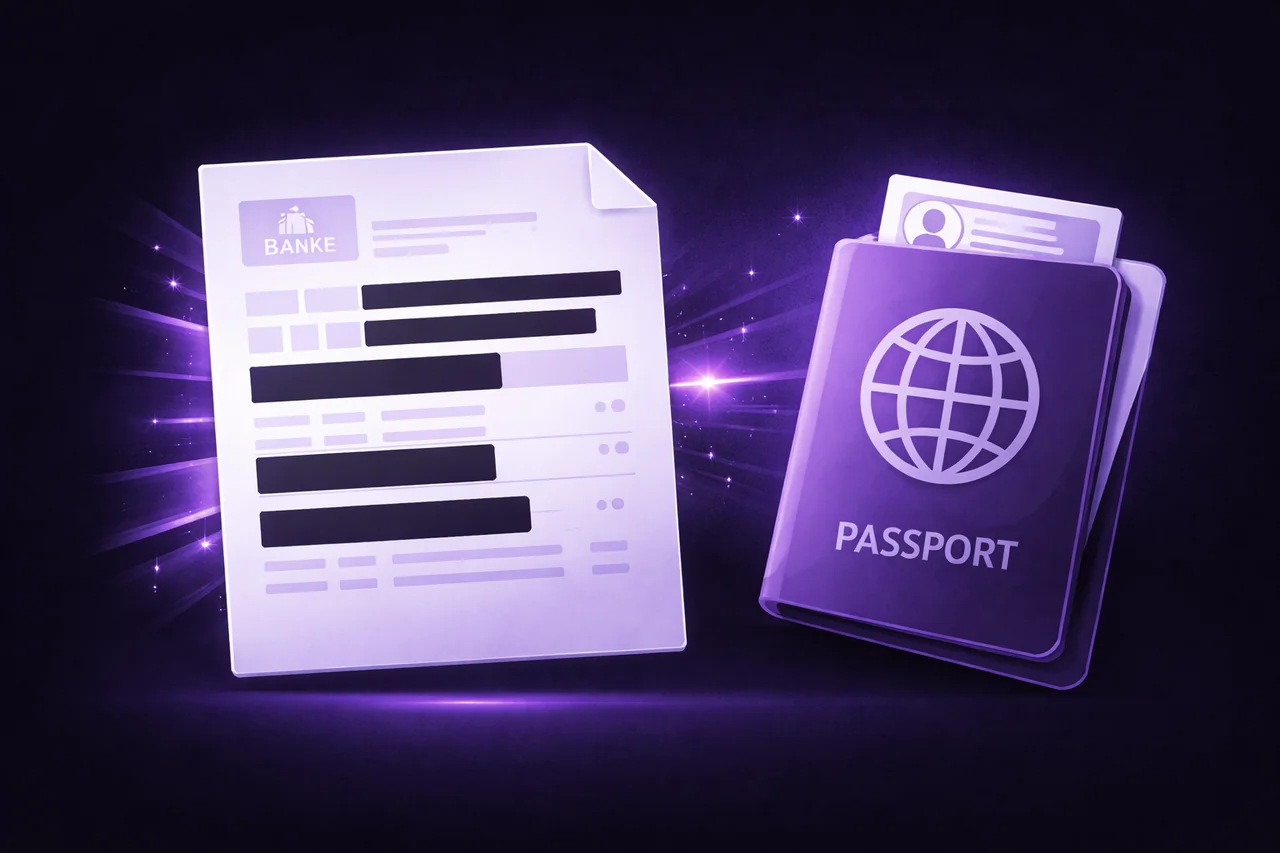
You're applying for a visa and the embassy or consulate requires bank statements as proof of funds. You download three months of statements from your bank — and immediately realize the problem.
Your bank statements show everything: every transaction, every payee, every merchant, your full account number, your balance history, and sometimes your Social Security number or national ID. The visa officer needs to see that you have sufficient funds. They don't need to see that you spent $47.83 at a pharmacy last Tuesday or what your monthly subscription payments are.
The question is how to remove the sensitive details while keeping the financial proof intact — and how to do it without uploading your complete financial history to a random PDF website.
What to Redact (And What to Keep)
Visa applications typically require proof of sufficient funds for your trip. The officer needs to verify:
Keep visible: Your name (must match your passport). Your bank name and branch. Account type (checking/savings). Current balance or average balance. Statement dates showing the required period. Overall deposit and withdrawal summaries.
Redact: Individual transaction details that aren't relevant to proving funds. Account numbers beyond the last 4 digits (unless specifically required). Routing numbers. Payee names on individual transactions. Any SSN or tax ID printed on the statement. Internal bank reference numbers.
Check your specific visa requirements — some consulates want to see transaction activity to verify the funds aren't freshly deposited. In that case, keep the transaction amounts and dates but redact the payee names.
How to Redact a Bank Statement (Step by Step)
-
Download your bank statements as PDF from your online banking portal. Most banks offer 3, 6, or 12-month statement downloads.
-
Open the EdgeDocs Redact PDF tool. Your file loads locally in your browser — no upload.
-
Select and redact sensitive information. Click on the text you want to remove — individual transaction descriptions, account numbers, payee names. Selected areas are marked for redaction.
-
For scattered personal data, use Auto-Redact PII. This tool automatically detects and flags account numbers, SSNs, email addresses, and phone numbers throughout the document. Review the flagged items and confirm what to redact.
-
Download the redacted statement. EdgeDocs rasterizes the redacted areas — the underlying text is permanently destroyed, not just covered with a black box. The information is irrecoverable.
-
Optional: Flatten the PDF after redacting to merge all layers into a single static rendering. This ensures nothing can be modified.
Why This Matters for Visa Applications
Bank statements for visa applications are some of the most sensitive documents you handle. They contain:
- Your complete financial profile — income, spending patterns, account balances
- Your account numbers — which could enable unauthorized transactions
- Your personal identifiers — SSN, tax ID, address, date of birth
- Your spending habits — every merchant, every amount, every date
Uploading this to a free online PDF redaction tool means your complete financial picture passes through someone else's servers. Even with encryption and auto-deletion promises, your unredacted bank statement existed on third-party infrastructure.
EdgeDocs redacts everything locally. Your bank statements never leave your browser. The redaction is permanent (rasterization, not just a visual overlay), and the original data is destroyed in the processed copy.
Common Mistakes When Redacting Financial Documents
Using black boxes instead of true redaction. Some tools place a black rectangle over text without removing the underlying data. The text can be copied, searched, or extracted despite being visually hidden. EdgeDocs rasterizes redacted areas, permanently destroying the text layer.
Forgetting headers and footers. Bank statements often print your full account number, name, and address on every page header. Redact these on every page, not just the first.
Not checking the metadata. PDF metadata can include your name, the bank's software, and creation timestamps. After redacting, run the file through Strip Metadata to remove hidden document properties.
Over-redacting. If the visa officer can't verify your identity or financial status because you've removed too much, they'll request new documents or deny the application. Only redact what's truly unnecessary for the visa assessment.
The Complete Workflow
For a visa-ready bank statement package:
- Merge multiple monthly statements into one document (if required)
- Redact sensitive transaction details and partial account numbers
- Flatten to lock the redactions permanently
- Strip Metadata to remove hidden document properties
- Compress if the embassy portal has a file size limit
Every step runs locally in your browser. Your financial data never touches a server.
Redact your bank statement now — free, permanent, private.
EdgeDocs is a privacy-first PDF toolkit where all processing happens locally in your browser. Files never leave your device. Try any tool free.
Ready to try secure PDF processing?
20+ privacy-first tools that process files entirely in your browser. No uploads, no servers, no risk.
Try EdgeDocs Free