How to Redact a PDF Without Adobe Acrobat (Free, Private, Permanent)
You don't need Adobe Acrobat Pro to properly redact a PDF. Here's how to permanently remove sensitive information for free — without installing software or uploading your file.
Privacy guides, PDF tips, and updates from the EdgeDocs team.

You don't need Adobe Acrobat Pro to properly redact a PDF. Here's how to permanently remove sensitive information for free — without installing software or uploading your file.

We compared the top free PDF redaction tools on what actually matters — does the tool perform true redaction, and does your file leave your device? Here's what we found.

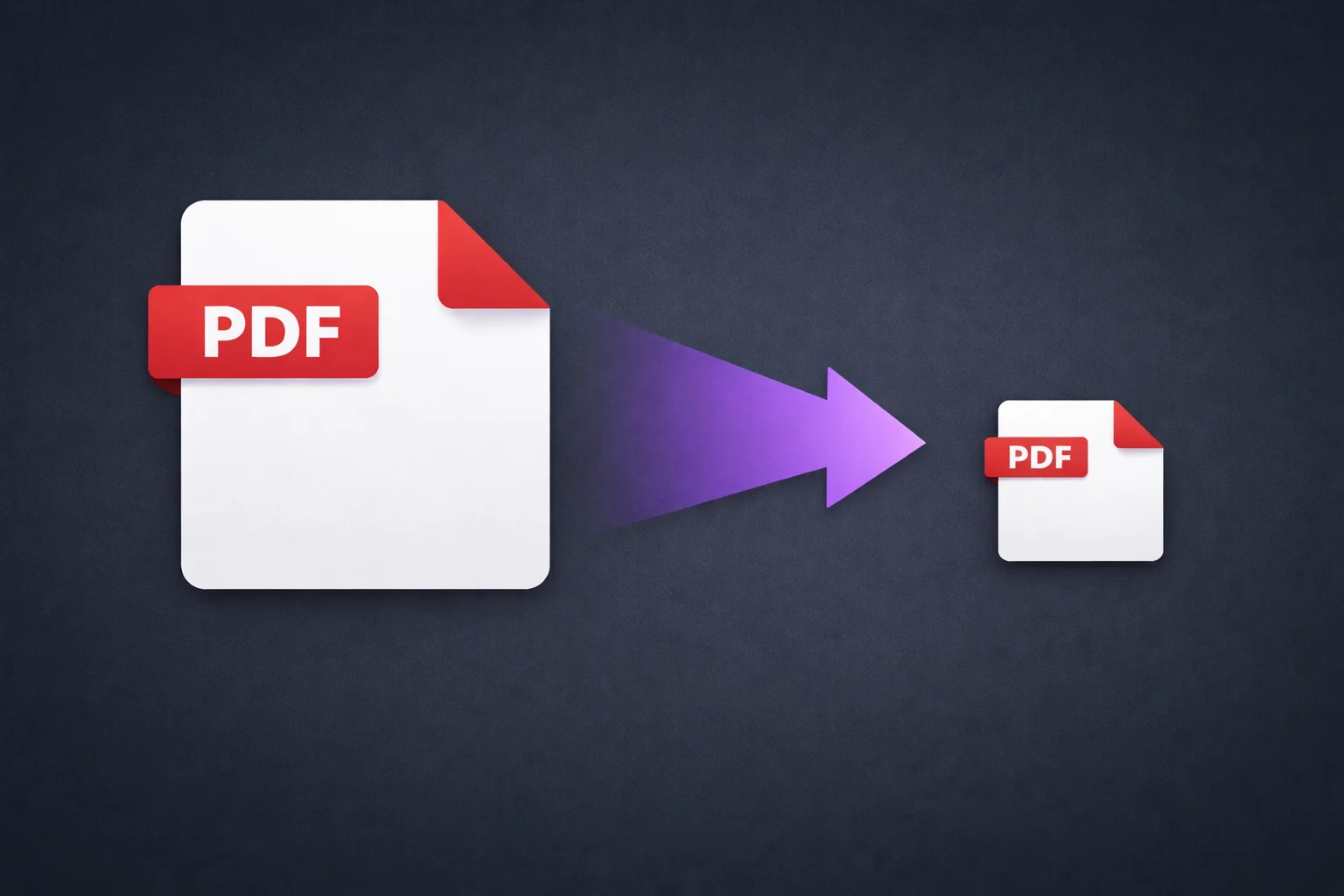
We tested the most popular free PDF compressors on compression quality, privacy, and whether your file gets uploaded to a server. Here's how they compare.

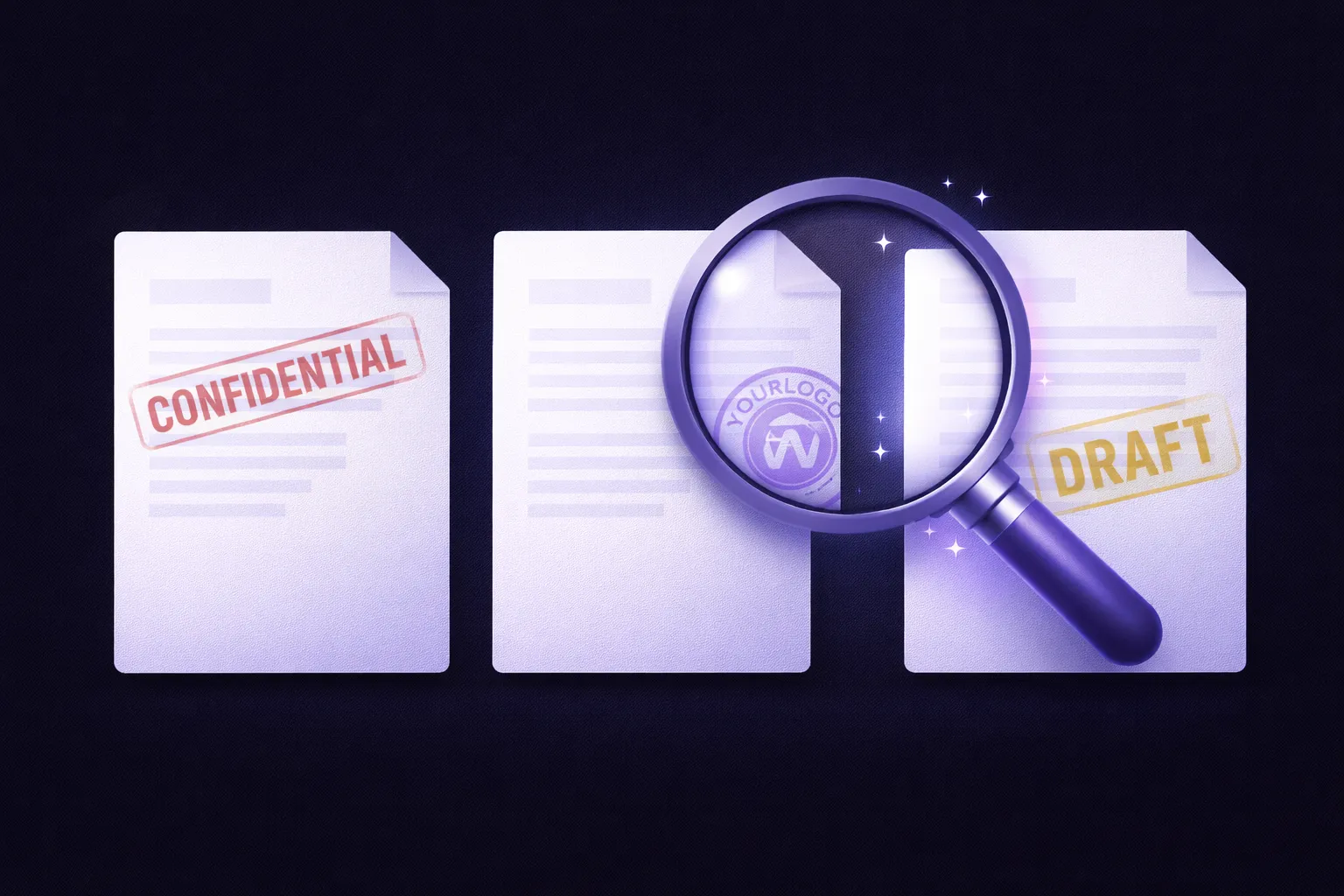
Learn how to add text or image watermarks to any PDF for free — no Adobe Acrobat, no software to install. Customize fonts, colors, opacity, and position directly in your browser.

Email attachment too large? Learn how to compress a PDF to fit Gmail, Outlook, and other email size limits — instantly, for free, without uploading your file to a server.

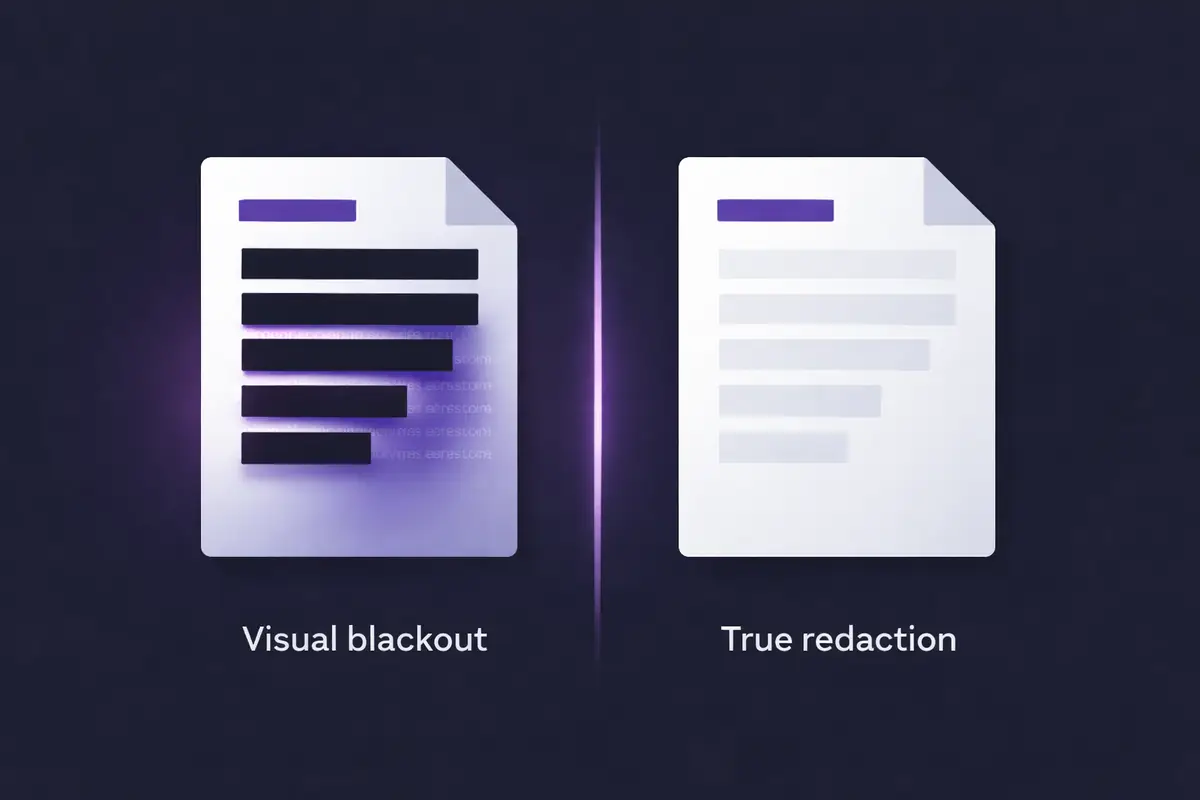
A black box over text doesn't remove it. Learn the difference between true PDF redaction and visual blackout, and how to actually protect sensitive information.

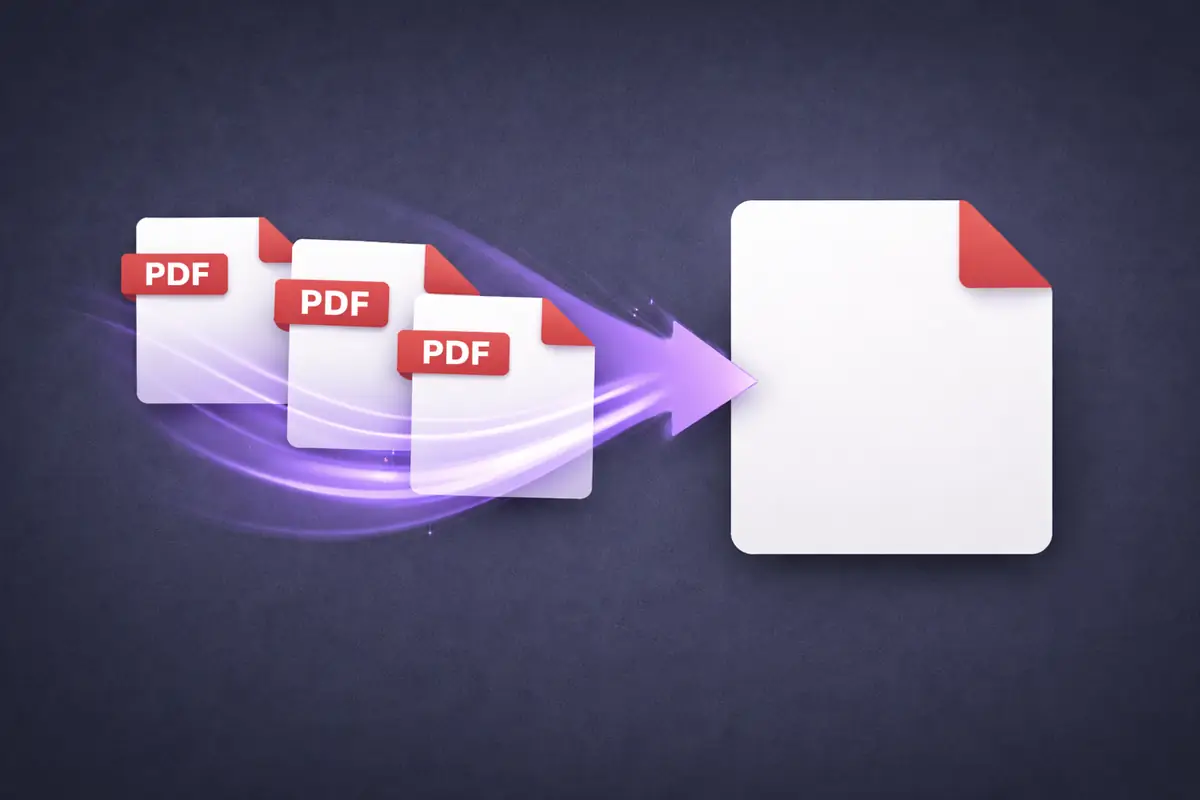
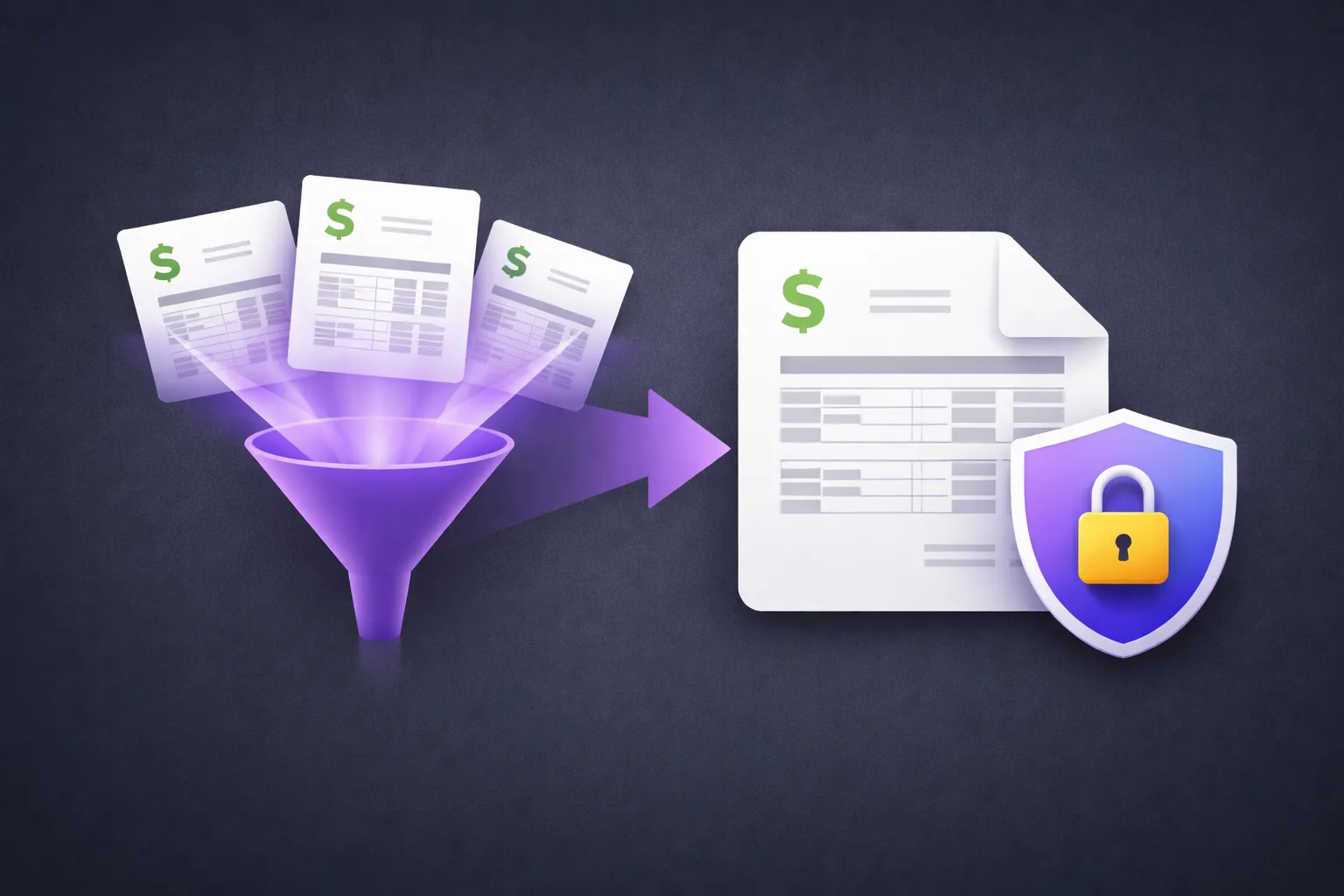
Most PDF merge tools upload your files to a server you know nothing about. Here's how to combine PDFs entirely in your browser — no uploads, no servers, no privacy risk.

Every PDF you've ever sent is carrying hidden data you probably never checked. Here's what's in it, why it matters, and how to remove it without uploading your file.

Most online PDF redaction tools leave sensitive text fully recoverable. Here's why — and what real redaction actually looks like.

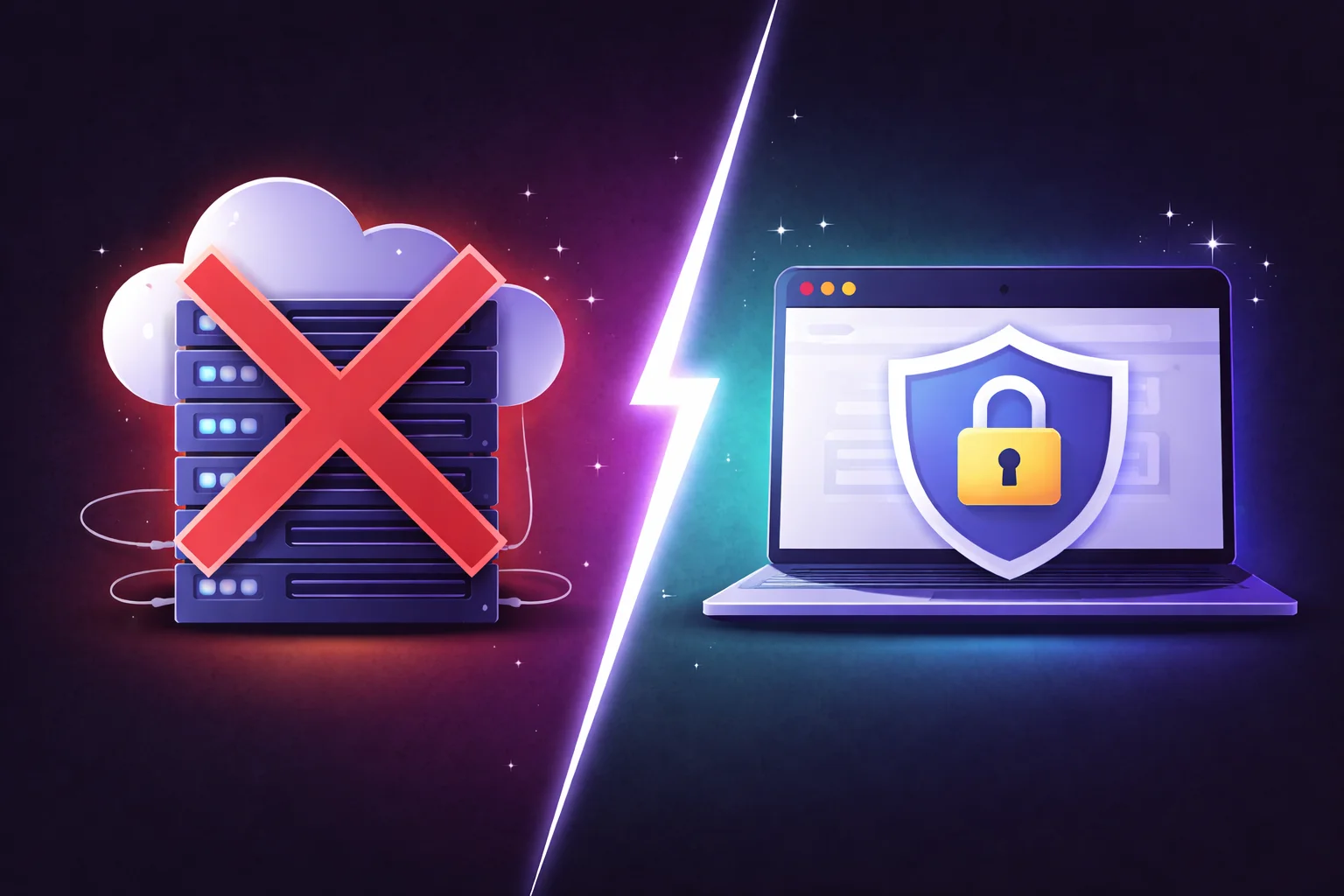
Every upload is a transfer of custody — your file, on someone else's infrastructure, under someone else's terms. Here's what free PDF compressors aren't telling you.