Best Free PDF Compressors 2026 Compared
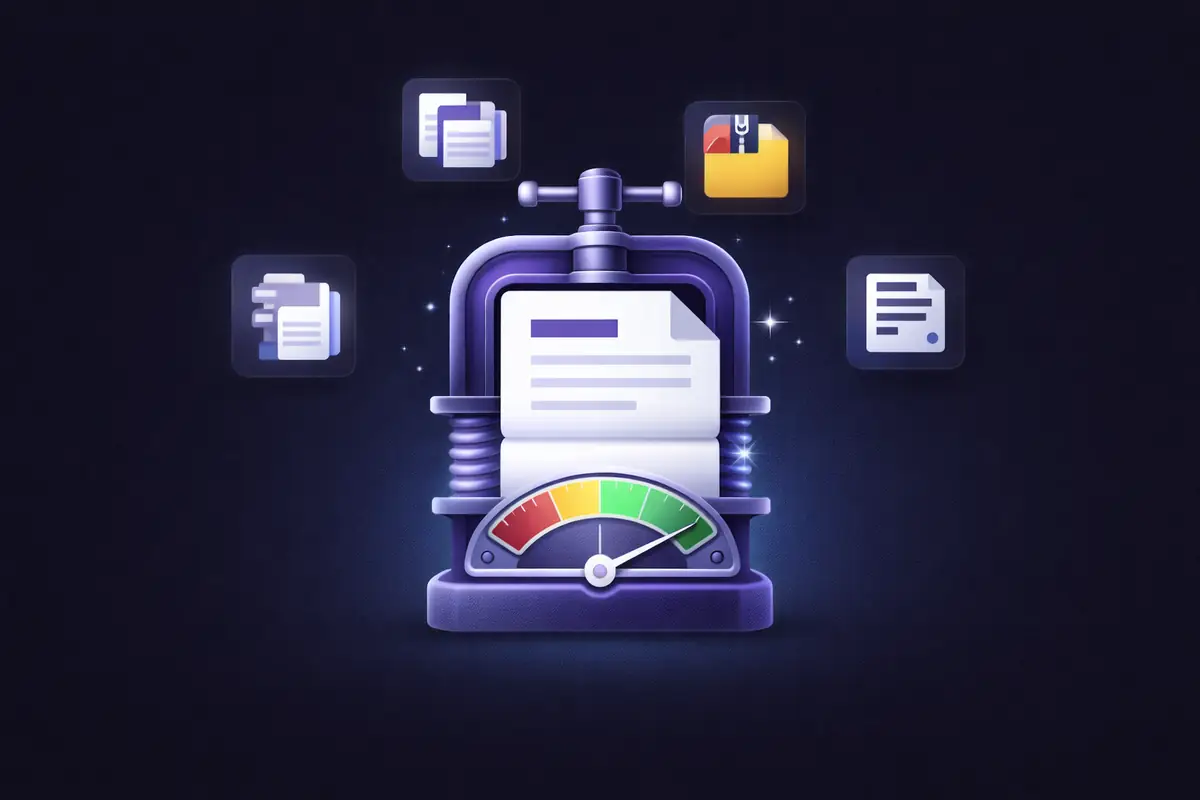
Your PDF is too large to email, too slow to upload, and taking up too much storage. You need a compressor — but you don't want to pay for one, and you'd prefer not to upload a confidential document to a random website.
We tested six of the most popular free PDF compressors to see how they actually compare on the things that matter: how much they shrink your file, whether the quality holds up, and whether your document gets sent to someone else's server during the process.
What We Looked For
Not all compressors are equal. Here's what separated the good ones from the rest:
Compression quality. How much does the file shrink, and does the output still look good? A tool that turns a 20MB file into 3MB but makes every image blurry isn't useful.
Does your file leave your device? Most online compressors upload your PDF to their servers. That means your document travels across the internet, gets processed on someone else's infrastructure, and then comes back. For sensitive files, this matters.
Compression options. Can you choose between light and heavy compression, or is it one-size-fits-all?
Free tier limits. How many files can you compress before hitting a paywall?
Speed. How long does compression take, especially for larger files?
1. Smallpdf
One of the most popular PDF tools on the internet, with a clean interface and a large suite of tools beyond compression.
Compression quality: Good. Offers Basic (free) and Strong (Pro only) compression. Basic typically reduces files by 20-40%. Strong compression achieves higher reductions but requires a paid subscription.
File leaves your device? Yes. PDFs are uploaded to Smallpdf's servers. Files are encrypted with TLS and deleted after one hour. ISO/IEC 27001 certified.
Compression options: Two levels — Basic and Strong. Strong is paywalled.
Free tier: 2 tasks per day across all tools (not just compression).
Speed: Fast for files under 10MB. Larger files depend on upload speed since the file must travel to their servers and back.
Best for: Occasional use when you need a quick compression and the document isn't sensitive.
2. iLovePDF
A popular free PDF suite with a generous free tier and a straightforward compression interface.
Compression quality: Good. Three levels — Extreme, Recommended, and Less. Recommended strikes a solid balance. Extreme can noticeably affect image quality on photo-heavy documents.
File leaves your device? Yes. Files are uploaded to iLovePDF's European servers. End-to-end encryption claimed. Files deleted after two hours. GDPR compliant.
Compression options: Three levels available to all users, including free tier.
Free tier: Limited to 2 files per task, but daily usage is more generous than Smallpdf.
Speed: Fast. European servers perform well for most regions.
Best for: Users who want multiple compression levels without paying and don't mind the upload.
3. Adobe Acrobat Online
The name everyone knows. Adobe invented the PDF format, and their compression algorithms are well-tuned.
Compression quality: Excellent. Adobe's compression consistently produces the best quality-to-size ratio, particularly for documents with complex layouts, embedded fonts, and mixed content.
File leaves your device? Yes, for the online tool. Files are uploaded to Adobe's cloud. The desktop version of Acrobat Pro processes locally.
Compression options: Online offers a basic compression with no level selection. Acrobat Pro desktop provides more granular control.
Free tier: Very limited. The online tool allows a few free compressions before requiring an Adobe account. Acrobat Pro is $22.99/month after a 7-day trial.
Speed: Fast online. Desktop is instant since there's no upload.
Best for: Users already in the Adobe ecosystem, or when compression quality is the absolute top priority and you don't mind the cost.
4. PDF24
A German-made PDF toolkit that's genuinely, completely free — no daily limits, no paywalled features.
Compression quality: Good. Offers multiple compression profiles including DPI settings and image quality controls. Results are comparable to Smallpdf and iLovePDF.
File leaves your device? Yes, for the online version. Files go to PDF24's servers. GDPR compliant, files deleted after a short period. The desktop version (Windows only) processes locally.
Compression options: Multiple profiles with DPI and quality controls — more granular than most free tools.
Free tier: Completely free with no limits. This is PDF24's biggest advantage.
Speed: Moderate. Slightly slower than Smallpdf on larger files.
Best for: Heavy users who compress frequently and don't want to think about daily limits. The desktop version is solid for Windows users who want local processing.
5. PDFgear
A desktop application (Windows and Mac) that's completely free with no watermarks or hidden costs.
Compression quality: Good. Offers batch compression and AI-optimized file reduction. Handles large files well.
File leaves your device? No — it's a desktop application. All processing happens locally on your computer.
Compression options: Multiple compression levels with quality previews.
Free tier: Completely free. No limits, no watermarks, no subscription.
Speed: Fast. Local processing means no upload delay.
Best for: Users who want a free, fully offline compressor and don't mind installing software. The main trade-off is that it requires a download and installation — it's not a browser tool you can use instantly on any device.
6. EdgeDocs
Browser-based compression that runs entirely on your device — no upload, no server, no installation.
Compression quality: Good. Three levels — Low, Medium, and High. Shows original size, compressed size, and exact percentage reduction after processing so you can compare results before downloading. Medium compression typically reduces files by 30-60% with minimal visible quality loss.
File leaves your device? No. All processing happens locally in your browser via WebAssembly. Your PDF is never sent to any server. You can verify this by disconnecting from the internet after loading the page — the tool still works.
Compression options: Three levels (Low, Medium, High) with instant size comparison.
Free tier: 3 downloads per day across all tools. Pro at $7.99/month for unlimited.
Speed: Instant. No upload or download from a server — compression happens on your machine's processor.
Best for: Anyone compressing sensitive documents — contracts, financial records, legal files, medical documents, HR paperwork — who wants the convenience of a browser tool without the privacy trade-off of uploading to a server.
Side-by-Side Summary
| Feature | Smallpdf | iLovePDF | Adobe Online | PDF24 Online | PDFgear | EdgeDocs |
|---|---|---|---|---|---|---|
| File stays on device | ❌ | ❌ | ❌ | ❌ | ✅ (desktop) | ✅ (browser) |
| Compression levels | 2 (1 free) | 3 | 1 (online) | Multiple | Multiple | 3 |
| Shows size comparison | ✅ | ✅ | ✅ | ✅ | ✅ | ✅ |
| Free tier limit | 2/day | 2 files/task | Very limited | Unlimited | Unlimited | 3/day |
| Needs installation | ❌ | ❌ | ❌ | ❌ | ✅ | ❌ |
| Works offline | ❌ | ❌ | Desktop only | Desktop only | ✅ | ✅ |
| Price (paid) | $12/mo | $7/mo | $22.99/mo | Free | Free | $7.99/mo |
| Batch compression | Pro only | Free (2 files) | Pro only | ✅ | ✅ | Not yet |
Which Compressor Should You Use?
If your document is sensitive and you don't want to install software — EdgeDocs is the only browser-based compressor where your file genuinely never leaves your device. No upload, no server, no trust required. Compression is instant because there's nothing to transmit.
If you want unlimited free compression and don't mind installing an app — PDFgear is a strong choice. Fully free, no limits, no watermarks, and completely offline. The trade-off is you need to download and install it.
If you want unlimited free compression online and don't mind uploading — PDF24 is the most generous online tool. No daily limits, no paywalled features. Your files go to their servers, but they're GDPR compliant with auto-deletion.
If compression quality is everything — Adobe's algorithms are best-in-class, but you'll pay $22.99/month for the full experience. The free online tool is too limited for regular use.
If you just need a quick one-off — Smallpdf and iLovePDF are fast, easy, and familiar. The 2-task daily limit is fine if you're compressing one file for an email.
The Privacy Question
Here's the pattern across this comparison: every online compressor except EdgeDocs uploads your file to a server. They encrypt it, they delete it after an hour or two, and they comply with GDPR. That's responsible data handling.
But it's still your document sitting on someone else's infrastructure. For a school flyer or a restaurant menu, that's fine. For a signed contract, a tax return, a medical record, or an HR document, the question is whether "deleted after one hour" is good enough — or whether you'd rather the file never left your device in the first place.
Desktop tools like PDFgear solve this by processing locally, but they require installation. EdgeDocs gives you local processing in the browser — no install, no upload, no server. That's the gap it fills.
The right compressor depends on what you're compressing. If the content doesn't matter, use whatever's fastest. If the content matters, think about where the file goes.
EdgeDocs is a privacy-first PDF toolkit where all processing happens locally in your browser. Files never leave your device. Try Compress PDF free.
Ready to try secure PDF processing?
20+ privacy-first tools that process files entirely in your browser. No uploads, no servers, no risk.
Try EdgeDocs Free