How to Merge PDFs Without Uploading Them
Merging PDFs sounds simple. Find a free tool online, upload your files, download the combined result. Done.
Except you just uploaded your documents to a server you know nothing about. Who operates it? How long do they keep your files? Are they encrypted in transit? In storage? Do they sell data?
Most free PDF merge tools don't answer these questions because the answers aren't reassuring.
If you're combining payslips, contracts, invoices, medical records, or any document that contains personal or professional information — the upload model is a genuine privacy risk. And most people don't think about it until it's too late.
Why Most PDF Merge Tools Upload Your Files
The traditional approach to processing PDFs online works like this: your file travels from your device to a remote server, gets processed by software running on that server, and the result gets sent back. The server does the work.
This model exists because, historically, browsers couldn't handle complex file operations. PDF manipulation required server-side software. So every tool was built around the upload-process-download flow.
The problem is that model was designed for convenience, not privacy. Your files sit on someone else's infrastructure, even if briefly. "We delete files after one hour" is a promise, not a guarantee. You have no way to verify it.
What Happens When You Upload to a Free Tool
When you upload files to a typical free PDF merger:
Your files leave your device. They travel over the internet to a server, usually operated by a company you've never heard of, running infrastructure you can't inspect.
They get stored temporarily. Even tools that claim instant deletion keep files long enough to process them — which means they exist on a server, in a file system, potentially in backups.
You have no control over what happens next. Free tools need to make money somehow. Data is valuable. Usage patterns are valuable. The contents of documents — especially business documents — can be valuable.
Your employer's documents aren't just yours to share. If you're merging work files, NDAs, client contracts, or internal reports, uploading them to a third-party server may violate your company's data policies or your clients' expectations.
None of this means every free tool is malicious. Most aren't. But the risk is real, and for sensitive documents, it's an unnecessary one.
How Browser-Based Merging Works
Modern browsers are significantly more capable than they were five years ago. The same JavaScript engines that power complex web applications can now handle PDF manipulation entirely on your device — no server required.
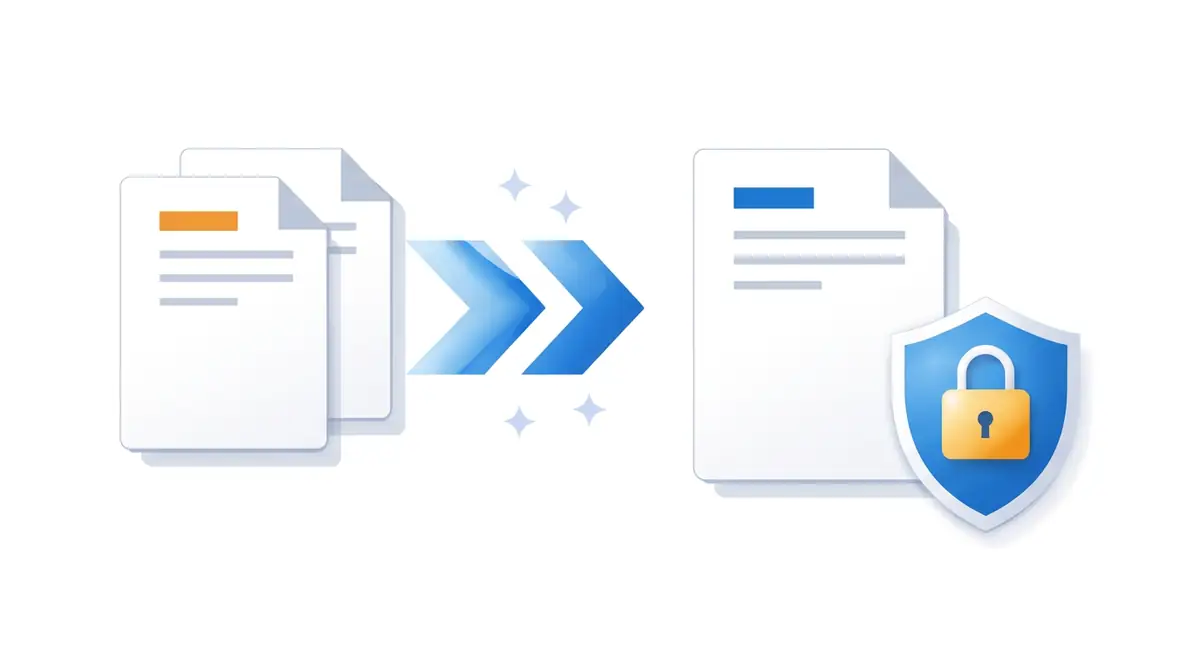
Browser-based PDF merging works like this:
- You select your files. They stay on your device.
- The browser reads the files using local APIs — the same way your operating system would.
- A PDF library running inside the browser combines the documents in memory.
- The merged result is generated and downloaded directly to your device.
At no point does any file leave your browser. There's no upload, no server, no third party involved. The processing happens entirely in your local environment.
The result is identical to what you'd get from a server-side tool. The difference is entirely in where the work happens.
How to Merge PDFs Without Uploading
EdgeDocs Merge PDF processes everything locally in your browser. Here's how to use it:
Step 1: Open the Merge PDF tool
Go to EdgeDocs Merge PDF tool. No account required for your first session.
Step 2: Add your files
Click to upload or drag and drop the PDFs you want to combine. You can add multiple files at once. They load into the browser — nothing is sent anywhere.
Step 3: Arrange the order
Drag to reorder the files before merging. The order you set is the order they'll appear in the combined document.
Step 4: Merge and download
Click merge. The browser processes the files and downloads the combined PDF directly to your device. The original files remain unchanged.
That's it. No account needed to try it. No files uploaded. No servers involved.
When This Matters Most
Browser-based merging is useful for anyone. But it's particularly important in specific situations:
Legal and compliance work. Combining contracts, case files, or client documents. Uploading these to a third-party server is a data handling risk many law firms aren't comfortable with.
HR and people operations. Merging employment agreements, payslips, or performance reviews. These contain personally identifiable information that organisations have a duty to protect.
Finance and accounting. Combining invoices, bank statements, or financial reports. The contents of these documents are commercially sensitive by definition.
Healthcare. Merging patient records or clinical documents. Many jurisdictions have strict regulations about where health data can be processed.
Remote and hybrid work. Working from a home network means your files are leaving your device and travelling over a connection your employer doesn't control. Browser-based tools eliminate that exposure entirely.
The Broader Privacy Problem with Free Tools
PDF merging is one example of a wider pattern. Most free online tools — for converting, compressing, editing, and processing files — were built in an era when server-side processing was the only option. The infrastructure, the business models, and the privacy assumptions were all built around uploading files.
That era is over. Browser capabilities have caught up. Tools that process files locally are now technically feasible and, in most cases, just as fast.
The question is whether the tools people use have kept up. Most haven't. The upload model is still the default because it's what was always done, not because it's still necessary.
For any document you wouldn't hand to a stranger on the street, it's worth asking: does this tool need to see my file? In most cases, the honest answer is no.
What EdgeDocs Does Differently
EdgeDocs was built around a single constraint: files never leave your browser.
Every tool on the platform — merge, split, compress, redact, convert, and more — processes documents locally. There's no backend receiving your files. There's no server storing them. There's no upload at any point in the workflow.
This isn't a marketing claim. It's an architectural choice. The tools use browser-native APIs and client-side PDF libraries to handle everything your device can see.
The result is a PDF toolkit that works like a local application — with the convenience of a web tool and none of the privacy compromises.
Try Merge PDF free — no signup, no uploads, no data sent anywhere.
EdgeDocs processes all files locally in your browser. Nothing is uploaded to any server. Your documents stay on your device from start to finish.
Merge your PDFs privately with EdgeDocs — files never leave your browser.
Ready to try secure PDF processing?
20+ privacy-first tools that process files entirely in your browser. No uploads, no servers, no risk.
Try EdgeDocs Free