PDF Tools for HIPAA Compliance: Processing Patient Documents Locally
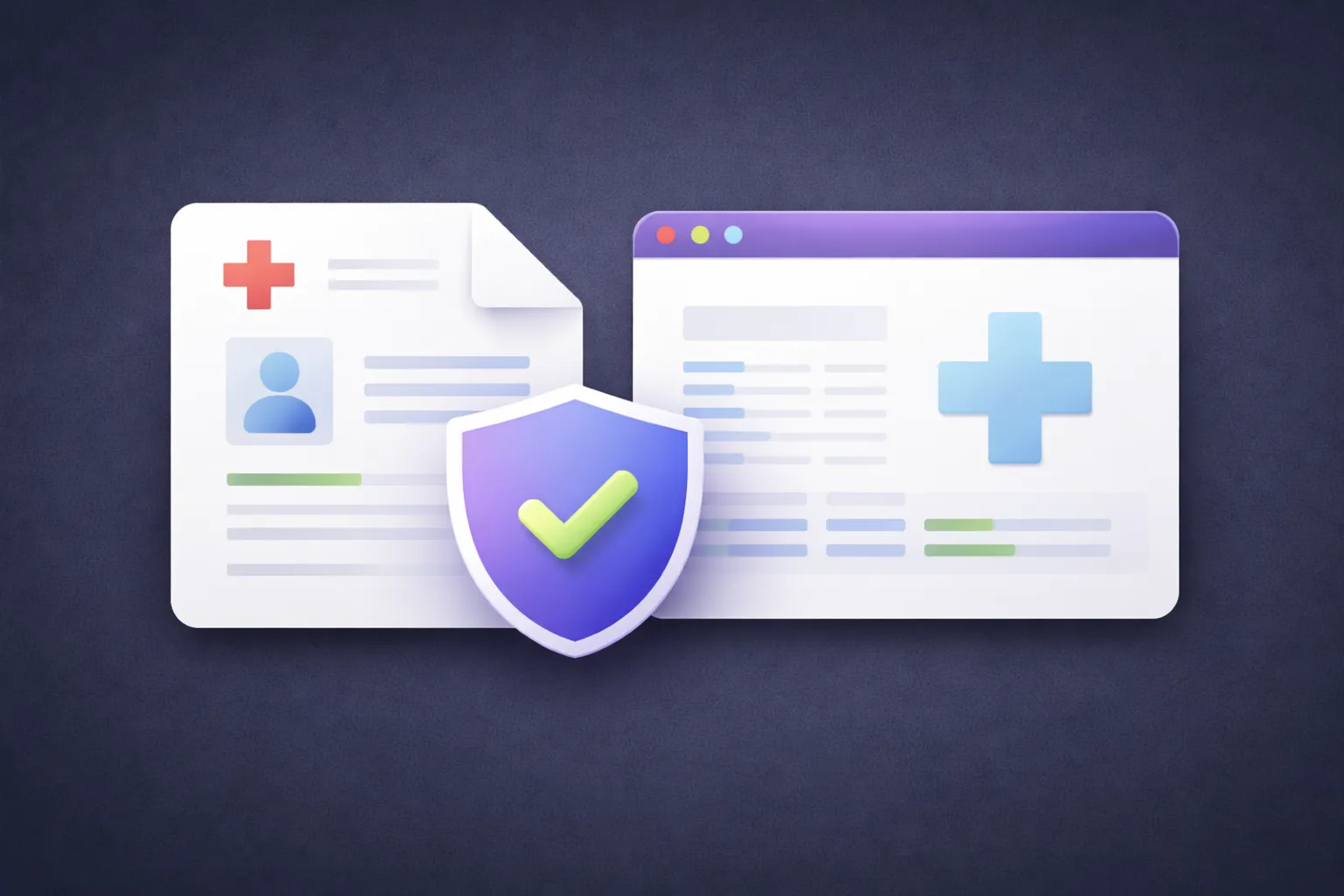
If you work in healthcare — as an administrator, a medical biller, a practice manager, or a virtual assistant handling patient records — you deal with PDFs constantly. Intake forms, insurance claims, lab results, referral letters, explanation of benefits, and medical records all flow through your desk as PDF files.
And at some point, you need to compress one for email, redact a patient name before sharing with a third party, merge multiple records into a single file, or strip metadata before uploading to a portal.
The natural instinct is to Google "compress PDF free" and use whatever comes up first. The problem is that most of those tools require you to upload the file to their servers — and that file contains protected health information.
What HIPAA Says About Third-Party Tools
HIPAA doesn't ban online tools. But it does create specific requirements when protected health information (PHI) is handled by a third party.
Under the HIPAA Privacy and Security Rules, any entity that creates, receives, maintains, or transmits PHI on behalf of a covered entity is a business associate. Business associates must sign a Business Associate Agreement (BAA) and implement specific administrative, physical, and technical safeguards.
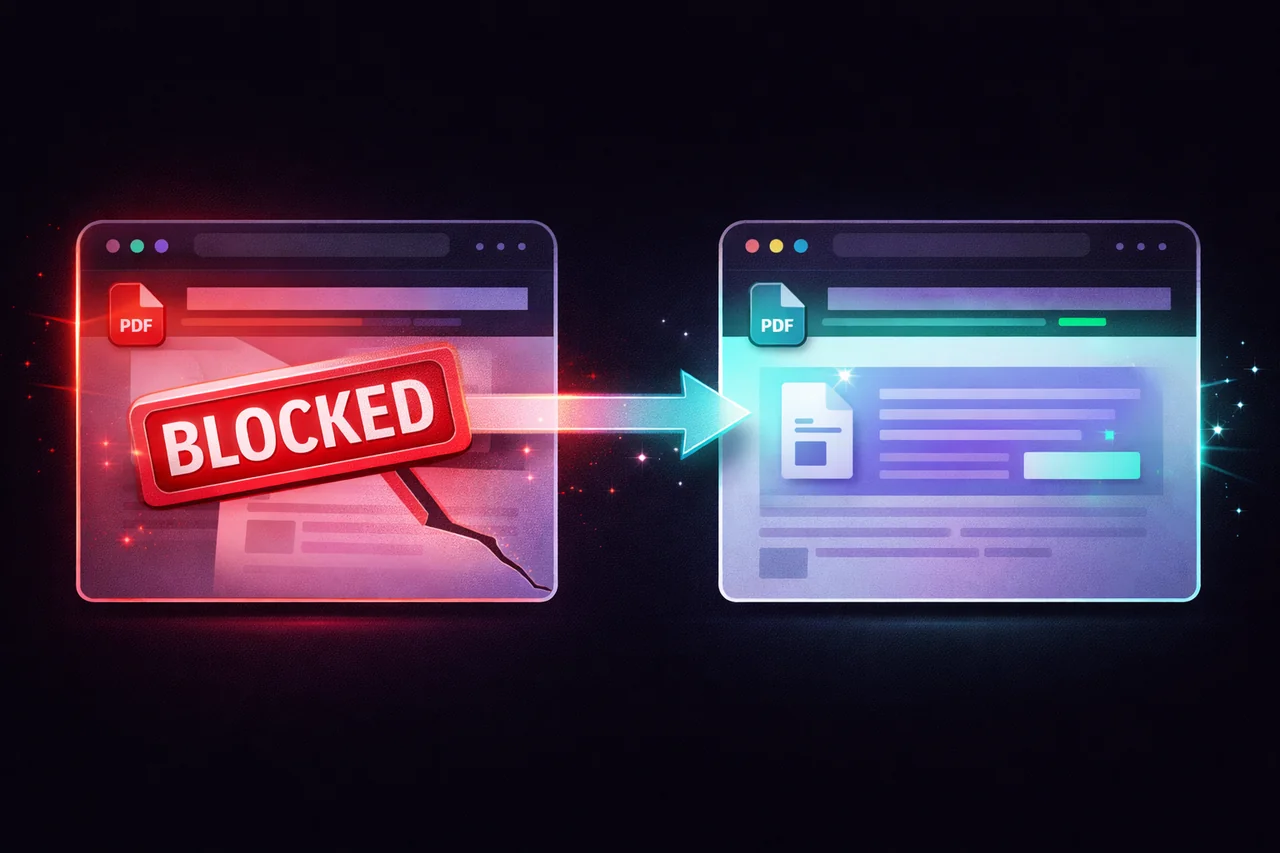
When you upload a patient's medical record to an online PDF compressor, that tool provider is receiving and processing PHI. Unless that provider has signed a BAA with your organization and meets HIPAA security requirements, the upload creates a compliance gap.
Most free online PDF tools — Smallpdf, iLovePDF, PDF24's online version — do not offer BAAs. They're designed for general consumers, not healthcare organizations. Their terms of service typically disclaim responsibility for the content of uploaded files.
This doesn't mean they're insecure. Many use TLS encryption and auto-delete files after processing. But "secure" and "HIPAA compliant" are different things. HIPAA compliance requires a documented relationship, specific security controls, and accountability for PHI handling. A generic "we delete files after one hour" policy doesn't satisfy those requirements.
The Local Processing Alternative
When a tool processes files entirely in the user's browser — never receiving, transmitting, or storing the file on its servers — there is no third-party handling of PHI. The document stays on the user's device throughout the entire process.
This means:
No business associate relationship is created. The tool provider never touches the PHI, so there's no BAA requirement. There's nothing to negotiate, nothing to sign, and nothing to audit.
No data transmission risk. The file doesn't travel across the internet to a remote server. There's no interception risk during transit and no exposure risk during server-side processing.
No data retention concern. The file is never stored on external infrastructure. There's no question about deletion timelines, backup policies, or server logs — because there's no server involvement.
No breach notification exposure. If a server-based tool suffers a data breach, every file that was processed through their system is potentially exposed. A local-processing tool has no central repository of files to breach.
How Healthcare Teams Use EdgeDocs
EdgeDocs processes all files locally in the browser. Here's how that applies to common healthcare PDF workflows:
Compressing records for secure email. Patient records and imaging reports can be large. Compress PDF reduces file size for email attachment — without the file touching any server. The compressed file goes directly from the patient's record system to the provider's email.
Redacting PHI before sharing. When records need to be shared with a third party — a referral, a legal request, an insurance audit — patient identifiers must be removed. Redact PDF permanently destroys the selected text by rasterizing affected pages. For documents with scattered PII, Auto-Redact PII automatically detects names, SSNs, phone numbers, and email addresses.
Merging records for case files. Combining multiple PDFs into a single patient file is a common task. Merge PDF handles this locally — no files uploaded to a third-party merge service.
Stripping metadata before external sharing. PDFs can contain hidden information — the creating clinician's name, the EMR system used, edit history, and internal file paths. Strip Metadata removes this data before the file leaves the organization.
Making scanned records searchable. Older patient records that were scanned from paper aren't text-searchable. PDF OCR adds a searchable text layer using browser-based recognition — the scanned images stay on the user's device throughout.
What EdgeDocs Is Not
EdgeDocs is a document processing toolkit, not a healthcare compliance platform. It does not:
- Provide HIPAA certification (there is no such thing as "HIPAA certified software" — compliance is an organizational responsibility, not a product certification)
- Replace your organization's HIPAA compliance program
- Manage access controls, audit logs, or workforce training
- Serve as an electronic health record system
What it does provide is a document processing architecture that avoids creating a third-party PHI handling relationship — which simplifies your compliance posture for the specific workflow of processing PDFs containing patient information.
The honest framing: EdgeDocs can't leak your patient data because it never receives it. The architecture supports HIPAA compliance by eliminating the third-party processing step that creates compliance obligations.
For Practice Managers and Compliance Officers
If you're evaluating tools for your practice or healthcare organization:
No BAA is needed with EdgeDocs for document processing because files never leave the user's device. There's no data handling relationship to formalize.
No vendor security assessment is needed for file processing because no files are transmitted to or stored on EdgeDocs servers.
The tool works on any device with a browser — no software installation, no IT provisioning, no endpoint management for the tool itself. Staff can use it on practice workstations, personal devices (for remote workers), or shared terminals.
Usage is tracked for billing purposes only (how many downloads per day). EdgeDocs never logs, stores, or has access to the content of processed files.
The Quick Version
HIPAA requires safeguards when PHI is handled by third parties. Most online PDF tools create a business associate relationship by uploading your files to their servers. EdgeDocs processes everything locally — no upload, no server, no third-party PHI handling. This simplifies compliance without sacrificing functionality.
Try any tool free — 21 privacy-first PDF tools, all running locally.
EdgeDocs is a privacy-first PDF toolkit where all processing happens locally in your browser. Files never leave your device.
Ready to try secure PDF processing?
20+ privacy-first tools that process files entirely in your browser. No uploads, no servers, no risk.
Try EdgeDocs Free