Why Compressing a PDF Online Is Riskier Than You Think
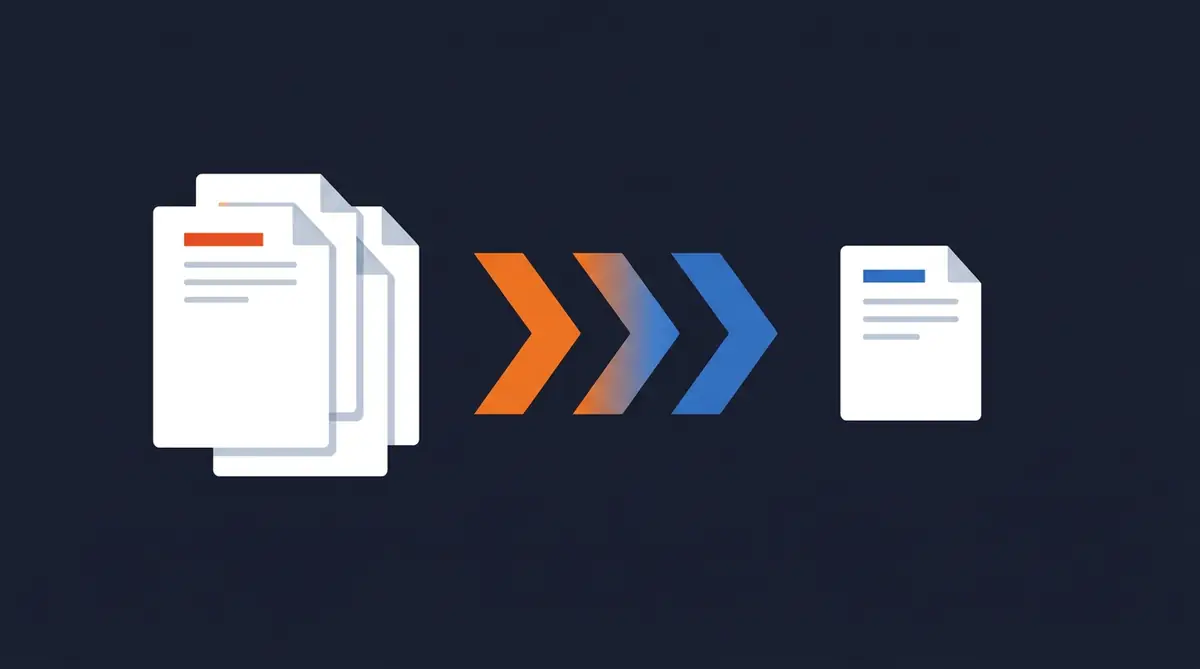
Compressing a PDF seems harmless. You have a large file, you need it smaller, you find a free tool online, upload it, and download the compressed version. Simple.
But there's a step in that process most people don't think about: the upload.
When you send a document to a free online PDF compressor, that file leaves your device. It travels to a server owned and operated by a company you've probably never heard of. It gets processed there. And then — depending on the tool — it may or may not be deleted afterwards.
For a holiday photo album, this is a minor inconvenience. For a business contract, a financial statement, or a document containing personal data, it's a meaningful risk.
What Happens When You Upload a PDF to a Compression Tool
Most free PDF tools are built on a straightforward business model: offer a useful service for free, monetise through advertising, and in some cases, through the data that passes through the platform.
When you upload a file, here's what typically happens:
- Your document is transmitted to the tool's servers over the internet
- The file is stored temporarily (sometimes longer) while it's processed
- The compressed version is generated and made available for download
- The original and compressed files are eventually deleted — on the tool's schedule, not yours
"Eventually deleted" is doing a lot of work in that sentence. Retention periods vary. Some tools delete files within the hour. Others keep them for 24 hours. Some don't specify clearly at all.
During that window, your document exists on infrastructure you don't control. If that infrastructure is breached, misconfigured, or deliberately misused, your file goes with it.
The Files People Compress Are Often the Sensitive Ones
Here's the thing about large PDFs: they're usually large because they contain something substantial. Scanned documents. Multi-page contracts. Detailed reports. High-resolution images embedded in financial presentations.
These are precisely the files that benefit most from compression — and precisely the files that carry the most risk if they end up somewhere they shouldn't.
A 50-page legal contract that needs to be emailed to a client. A scanned passport for a visa application. A confidential business proposal with pricing and strategy. These files get uploaded to free compression tools every day by people who aren't thinking about where they're going.
The Metadata Problem
File size isn't the only thing a PDF carries. Every PDF contains metadata — information embedded in the file itself:
- Author name and organisation
- Creation and modification dates
- Software used to create the document
- Revision history
- Comments and tracked changes
When you compress a PDF through an online tool, that metadata goes along for the ride. The tool now has your document — and everything embedded in it.
For most documents this is inconsequential. For confidential business files, it's an additional layer of exposure you didn't plan for.
How PDF Compression Actually Works
Understanding the mechanics helps explain why compression doesn't have to require an upload.
PDF compression typically works in one or more of the following ways:
Image optimisation: Most large PDFs are large because of embedded images. Compression tools reduce image resolution and apply more aggressive encoding to shrink file sizes significantly without visible quality loss.
Font subsetting: PDFs often embed entire font files. Compression strips out unused characters, keeping only the glyphs that actually appear in the document.
Stream compression: The underlying data streams in a PDF can be compressed more efficiently using standard algorithms.
None of this requires the file to leave your device. All of it can be done locally, inside a browser, using JavaScript. The processing power is on your machine — not a remote server.
The only reason most tools require an upload is because it's simpler to build that way. It's not because local compression is impossible.
Compress PDFs Without Uploading — How EdgeDocs Does It
EdgeDocs compresses PDFs entirely in your browser. Your file is never uploaded. It never leaves your device. The compression happens locally, using your machine's processing power, and the result is available for download immediately.
No servers. No temporary storage. No retention policy to read and trust. The file stays with you from start to finish.
You also get the option to strip metadata in the same workflow — removing embedded document properties before the compressed file goes anywhere.
Compress your PDF securely at EdgeDocs.co →
When Does It Actually Matter?
Not every document needs this level of care. A menu PDF for a restaurant website carries no meaningful risk if it's processed on a remote server.
But if you're compressing any of the following, it matters:
- Legal documents — contracts, NDAs, court filings
- Financial documents — statements, proposals, audit reports
- HR files — employee records, offer letters, performance reviews
- Medical records — any document containing patient information
- Government documents — visa applications, identity documents, permits
- Confidential business materials — strategy documents, pricing, pitch decks
For these files, the question isn't whether the risk is likely. It's whether it's acceptable. For most professionals handling sensitive documents, the answer is no — especially when a local alternative exists.
The Bottom Line
Free online PDF compressors are convenient. Most of them work perfectly well for casual use. But every upload is a transfer of custody — your file, on someone else's infrastructure, under someone else's terms.
For documents that matter, use a tool that keeps them on your device. Compression doesn't require an upload. It never did.
Ready to compress a PDF without the risk? EdgeDocs' Compress PDF tool processes everything locally in your browser — your file never touches a server.
Ready to try secure PDF processing?
20+ privacy-first tools that process files entirely in your browser. No uploads, no servers, no risk.
Try EdgeDocs Free