Best Free PDF Redaction Tools 2026 Compared
You need to redact a PDF — permanently remove a name, an account number, a confidential paragraph — and you don't want to pay $22.99 a month for Adobe Acrobat Pro to do it.
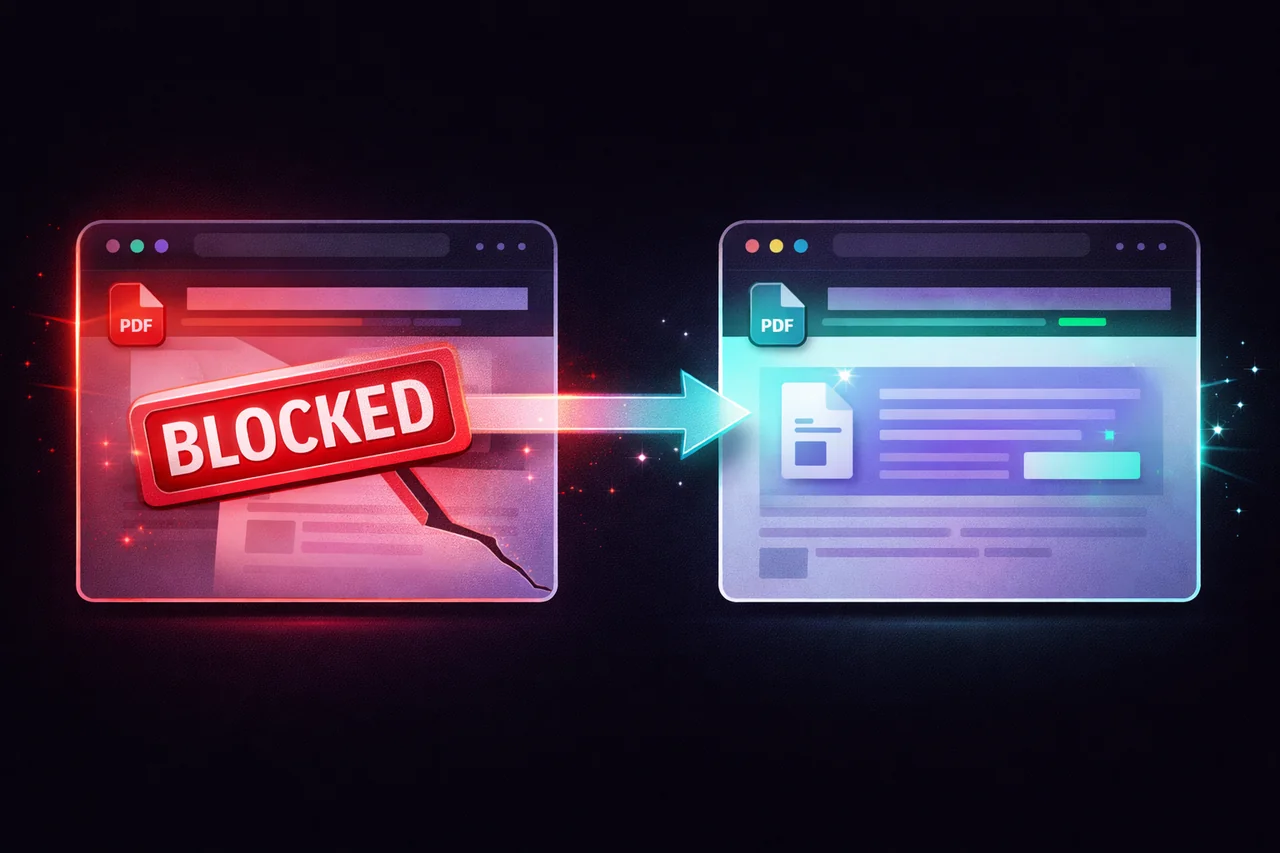
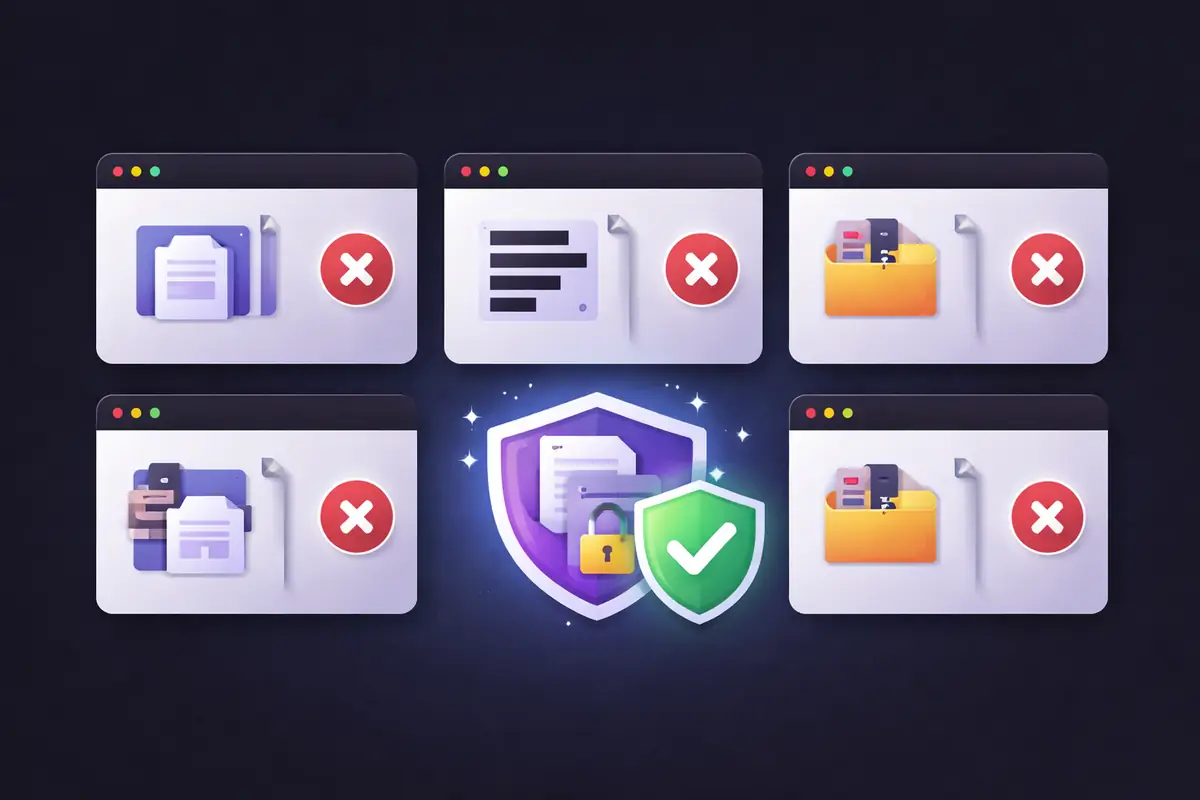
Fair enough. There are several free tools that can redact PDFs. But they vary enormously in two areas that most comparison articles ignore: whether they perform true redaction (actually removing the data) or just draw a black box over it, and whether your file stays on your device or gets uploaded to someone else's server.
That second question matters more than people realize. You're redacting a document because it contains sensitive information. Uploading that unredacted document to a third-party server before the redaction happens defeats the purpose.
We compared six tools on what actually matters for secure redaction.
What We Evaluated
True redaction or visual overlay? Does the tool permanently remove text from the PDF's data structure, or does it just place a black rectangle on top? Visual overlays leave the original text intact and extractable.
Does your file leave your device? Is the PDF uploaded to a server for processing, or does everything happen locally in your browser?
Metadata handling. Does the tool also address hidden data (author name, edit history, comments) or only visible content?
Free tier limitations. How much can you actually do without paying?
Ease of use. How many clicks from opening the tool to downloading a redacted file?
1. Smallpdf
Browser-based tool. Upload your PDF, highlight text or draw boxes to mark areas for redaction, click apply, download the result.
True redaction? Yes — Smallpdf performs permanent content removal, not just visual overlay.
File leaves your device? Yes. Your PDF is uploaded to Smallpdf's servers for processing. They state files are encrypted with TLS and deleted after one hour. They hold ISO/IEC 27001 certification.
Metadata handling: Does not explicitly strip document-level metadata during redaction.
Free tier: 2 tasks per day. Pro starts at $12/month.
The privacy trade-off: Your unredacted document — the version with all the sensitive information still visible — sits on Smallpdf's servers for up to an hour. For casual documents this may be acceptable. For legal, medical, financial, or HR documents, it's a risk worth considering.
2. iLovePDF
Browser-based tool. Upload your PDF, use the search bar to find specific text or manually highlight areas, apply redaction.
True redaction? Yes — performs permanent removal.
File leaves your device? Yes. Files are uploaded to iLovePDF's servers. They claim end-to-end encryption and auto-deletion after two hours. GDPR compliant with European-based servers.
Metadata handling: No dedicated metadata removal during redaction.
Free tier: Limited daily usage. Premium starts at $7/month.
The privacy trade-off: Similar to Smallpdf — server-side processing with a two-hour retention window. The search-and-redact feature is useful for finding all instances of a specific term, but the document must be on their servers for this to work.
3. Adobe Acrobat Online
Adobe's online tools allow basic PDF redaction through the browser. The full redaction toolkit (including sanitization and metadata removal) requires Acrobat Pro desktop.
True redaction? Yes — when using the actual redaction tool (not just drawing tools or highlights).
File leaves your device? Yes, for online tools. Files are uploaded to Adobe's cloud. Desktop Acrobat Pro processes locally.
Metadata handling: Acrobat Pro desktop includes "Remove Hidden Information" and "Sanitize Document" features. The online version does not.
Free tier: Very limited. Acrobat Pro is $22.99/month after a 7-day trial.
The privacy trade-off: Adobe is the most established name in PDF tools and their desktop application is genuinely secure. But the desktop version requires a paid subscription, and the free online tools upload your files to Adobe's servers.
4. PDF24
Browser-based and desktop (Windows only). Upload your PDF, select areas to redact, apply. PDF24 rasterizes redacted pages, converting them to images.
True redaction? Yes — rasterization destroys the text layer entirely, making recovery impossible.
File leaves your device? Yes, for the online version. Files are uploaded to PDF24's servers. They are GDPR compliant and state files are deleted after a short period. The desktop version processes locally.
Metadata handling: Rasterization removes text-layer metadata from affected pages but may not strip document-level metadata.
Free tier: Fully free with no daily limits — one of the most generous free offerings.
The privacy trade-off: The online version uploads files. The desktop version is local but Windows-only. If you're on Mac, Linux, or a device where you can't install software, you're back to the server-upload model.
5. Xodo
Browser-based and mobile apps. Upload your PDF, use the redaction tool to mark and remove content.
True redaction? Yes — Xodo states that files are processed locally in the browser and redaction is permanent.
File leaves your device? Xodo claims browser-based processing, though the implementation details are less transparent than some alternatives.
Metadata handling: No explicit metadata stripping during redaction.
Free tier: 1 file per day. Premium for unlimited access.
The privacy trade-off: Xodo's privacy claims are positive, but the 1-file daily limit on the free tier is restrictive.
6. EdgeDocs
Browser-based. Open your PDF in the Redact PDF tool, select text or draw over areas to redact, apply, download. No upload step — the file loads directly from your device into the browser.
True redaction? Yes — EdgeDocs rasterizes redacted pages, permanently destroying the text layer. Content cannot be recovered through copy-paste, search, or extraction.
File leaves your device? No. All processing happens locally in your browser. Your PDF is never sent to any server — not during loading, not during processing, not during download. You can verify this yourself: disconnect from the internet after loading the page and the tool still works.
Metadata handling: Rasterization destroys text-layer data on redacted pages. For complete document-level metadata removal, EdgeDocs offers a separate Strip Metadata tool and Flatten PDF tool for full sanitization.
Free tier: 3 downloads per day across all tools. Pro at $7.99/month for unlimited.
The privacy trade-off: None. Your file genuinely never leaves your device. This is architecturally guaranteed, not a policy promise.
Side-by-Side Summary
| Feature | Smallpdf | iLovePDF | Adobe Online | PDF24 | Xodo | EdgeDocs |
|---|---|---|---|---|---|---|
| True redaction | ✅ | ✅ | ✅ | ✅ | ✅ | ✅ |
| File stays on device | ❌ | ❌ | ❌ | ❌ | Claimed | ✅ |
| Metadata stripping | ❌ | ❌ | Pro only | Partial | ❌ | Separate tool |
| Auto-detect PII | ❌ | Partial | Pro only | ❌ | ❌ | Separate tool |
| Free tier limit | 2/day | Limited | 7-day trial | Unlimited | 1/day | 3/day |
| Price (paid) | $12/mo | $7/mo | $22.99/mo | Free | Varies | $7.99/mo |
| Works offline | ❌ | ❌ | Desktop only | Desktop only | ❌ | ✅ |
Which Tool Should You Use?
If privacy is your top concern — you're handling legal documents, medical records, financial data, or anything you wouldn't want on someone else's server — EdgeDocs is the clear choice. It's the only tool where your file genuinely never leaves your device.
If you need unlimited free redaction and don't mind uploading — PDF24 is the most generous free tool with no daily limits. The trade-off is that your files go to their servers.
If you need auto-detection of PII — EdgeDocs' Auto-Redact PII tool detects Social Security numbers, email addresses, phone numbers, and credit card numbers automatically. For AI-powered detection across 40+ data types, dedicated platforms like AI-Redact offer more comprehensive automation at higher price points.
If you're already paying for Adobe — Acrobat Pro's desktop redaction is solid and processes locally. The sanitize feature for metadata is best-in-class. But at $22.99/month, it's expensive if redaction is all you need.
The Question Nobody Else Asks
Every other comparison of PDF redaction tools focuses on features, pricing, and ease of use. Those matter. But they skip the most important question for a tool that handles sensitive documents:
Where does your unredacted file go?
If you're redacting a document because it contains confidential information, and the first step is uploading that confidential document to a third-party server, you've created a new privacy exposure in the process of trying to eliminate one.
"Deleted after one hour" is better than permanent storage. TLS encryption is better than no encryption. But neither is as secure as the file never leaving your device in the first place.
That's not a theoretical distinction. It's the difference between trusting a promise and not needing to trust anything at all.
EdgeDocs is a privacy-first PDF toolkit where all processing happens locally in your browser. Files never leave your device. Try Redact PDF free or explore the Auto-Redact PII tool.
Ready to try secure PDF processing?
20+ privacy-first tools that process files entirely in your browser. No uploads, no servers, no risk.
Try EdgeDocs Free