Why Your PDF Tool Shouldn't Need a Server
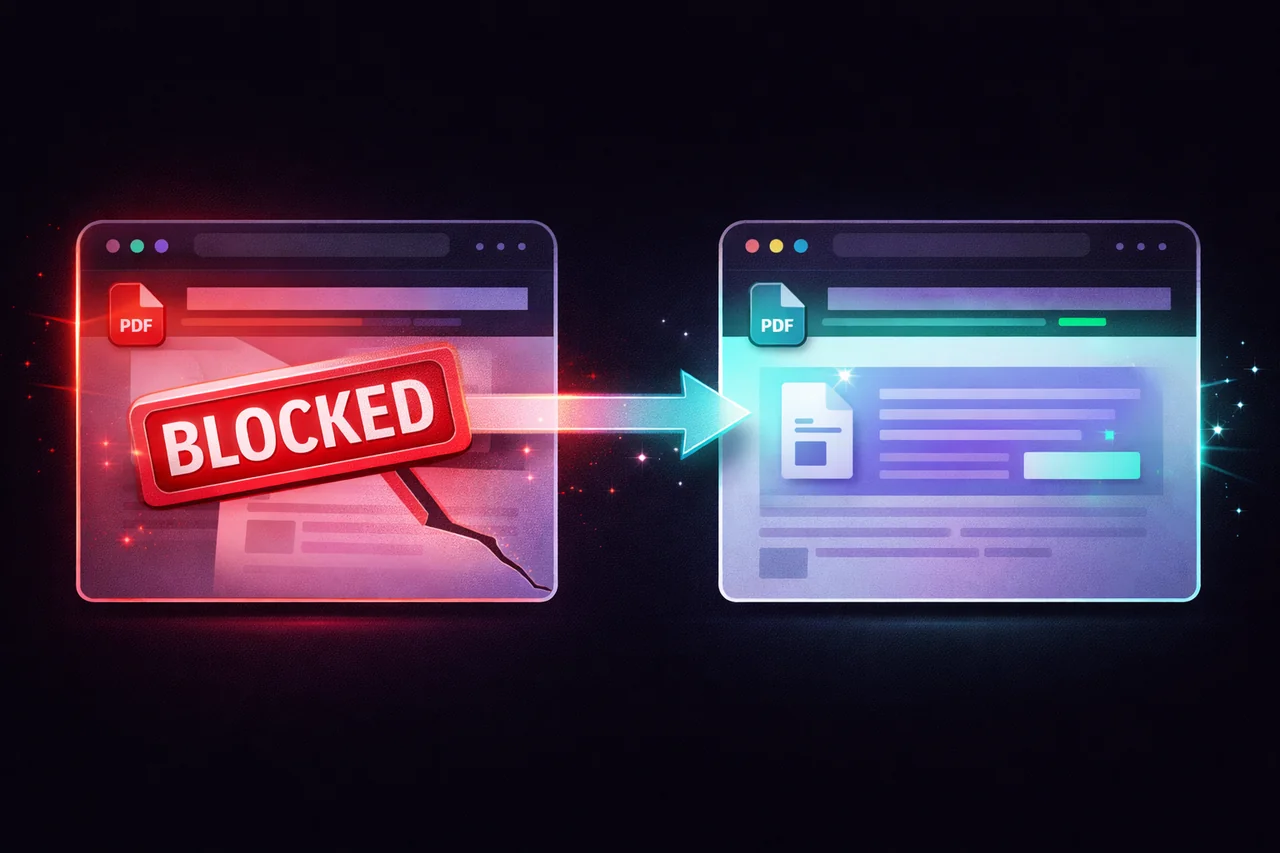
Open any popular PDF tool — Smallpdf, iLovePDF, Adobe's online suite, PDF24's web version — and try to compress a file, add a watermark, or redact a paragraph. Every single one requires you to upload the document to their servers before anything happens.
This has been the standard model for online document tools since they were invented. Your file goes up, their server processes it, the result comes back down. It's so normal that nobody questions it.
We did. And then we built 21 PDF tools that don't need a server at all.
What Actually Happens When You Upload a PDF
When you use a server-based PDF tool, here's the chain of events:
Your file leaves your device and travels across the internet. It arrives at the tool provider's servers — infrastructure you don't control, located in a data center you've never seen, managed by employees you've never met. The server reads your file, processes it, creates the output, and sends the result back. Your original file sits on their infrastructure until it's deleted — typically one to two hours later.
During that window, your document exists in two places: on your device and on their servers. The server copy is accessible to their operations team, their system administrators, their logging infrastructure, and — if the company is breached — to anyone who gains access. "Encrypted in transit" protects the file while it's moving. It doesn't protect the file while it's sitting on their server being processed.
"We delete files after one hour" is a policy, not an architecture. Policies change. Policies get violated. Architectures don't.
The Obvious Question Nobody Asks
Here's what's strange about this arrangement: PDFs are often the most sensitive documents people handle digitally.
Contracts with confidential terms. Financial statements with account numbers. Medical records with diagnoses. Legal filings with privileged information. HR documents with salaries and personal details. Tax returns with Social Security numbers.
These are the exact documents people run through online PDF tools every day — compressing them for email, redacting them for sharing, watermarking them for distribution, merging them for filing.
And the first step in every one of those workflows is uploading the unprocessed, unprotected, fully visible document to someone else's server.
Nobody would mail a physical copy of their tax return to a stranger's office, let them photocopy it, and trust that the copies were shredded within the hour. But that's functionally what happens every time you use a server-based PDF tool.
Why Servers Were Ever Needed
Ten years ago, there was a legitimate reason for server-based processing. Browsers couldn't handle complex PDF operations. The JavaScript engines were too slow, the APIs too limited, and the processing libraries didn't exist in browser-compatible form.
That's no longer true.
Modern browsers support WebAssembly — a way to run compiled code in the browser at near-native speed. Libraries like pdf-lib, pdf.js, and Tesseract.js (for OCR) run entirely in the browser. The Canvas API handles rendering. The File API handles local file access. Web Workers enable multi-threaded processing without freezing the UI.
In 2026, you can compress a PDF, redact text, add watermarks, run OCR, strip metadata, flatten layers, merge documents, split pages, convert formats, and digitally sign — all inside a browser tab, with zero server involvement.
The technology caught up. Most PDF tools didn't.
What Local-First Actually Means
When we say EdgeDocs processes files locally, we mean something specific and verifiable:
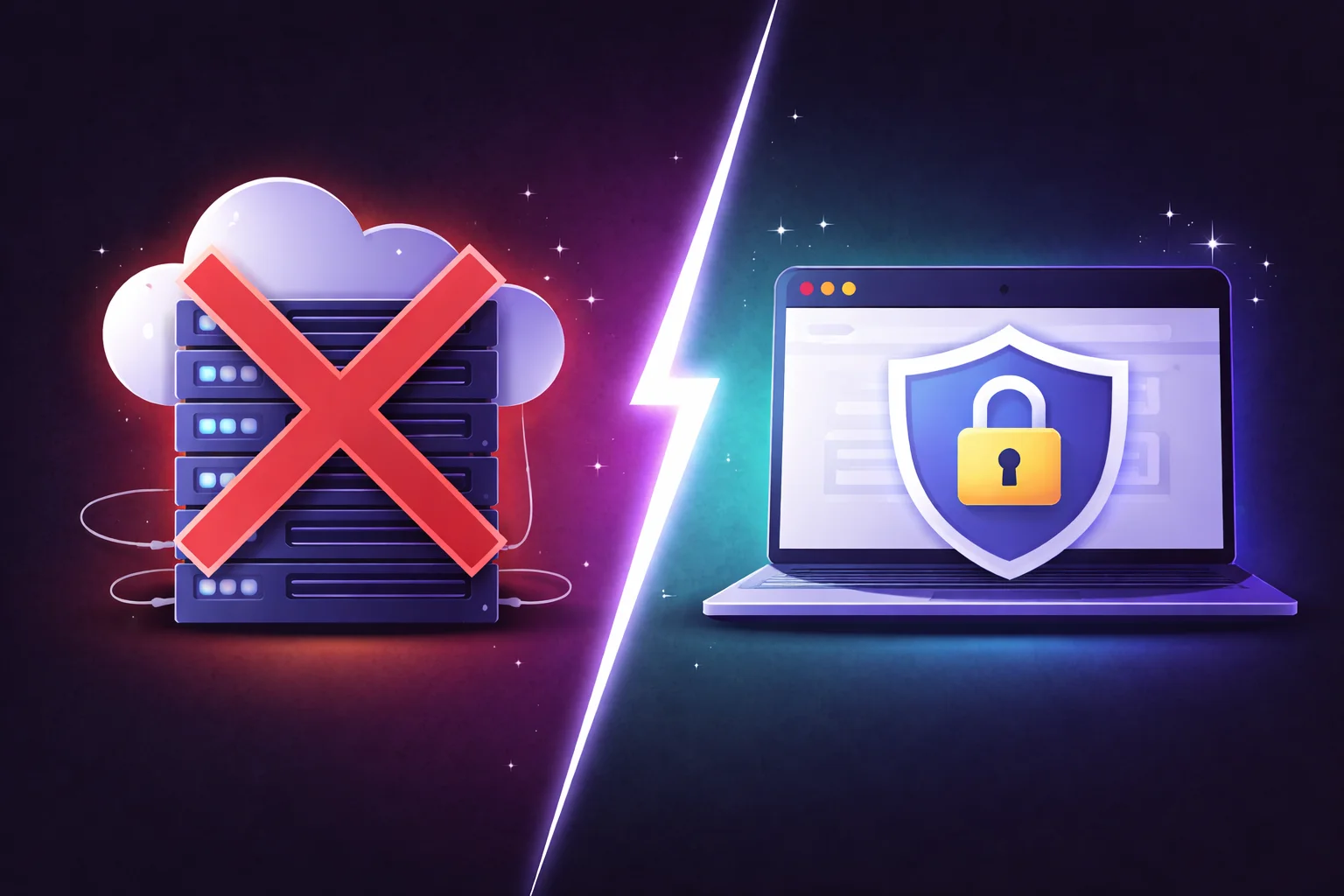
Your file never leaves your device. When you select a PDF, it loads from your disk into your browser's memory. It doesn't travel anywhere. There is no upload step because there is no server to upload to.
Processing uses your device's CPU. The compression algorithms, the redaction engine, the OCR processing, the watermark rendering — all of it executes on your machine's processor, inside your browser's JavaScript runtime.
The output is saved directly to your device. When you download the processed file, it's created locally and saved to your disk. No round trip to a server.
You can verify this. Open your browser's developer tools, go to the Network tab, and watch while you process a file. You'll see zero file upload requests. Or simply disconnect from the internet after loading the page — every tool continues to work because there's nothing to communicate with.
This isn't a policy like "we promise to delete your files." It's an architectural reality. There is no server-side component in the file processing pipeline. The server serves the application code (HTML, JavaScript, CSS). After that, it has no involvement in what happens to your documents.
What We Built
EdgeDocs started as a PDF redaction tool. The thesis was simple: if you're removing sensitive information from a document, that document shouldn't travel to someone else's server first.
That thesis applies to every PDF operation. So we built 21 of them:
Processing and optimization. Compress PDF reduces file size with three compression levels. Merge PDF combines multiple documents. Split PDF extracts pages into separate files.
Security and sanitization. Redact PDF permanently removes text by rasterizing affected pages. Auto-Redact PII detects Social Security numbers, email addresses, phone numbers, and credit card numbers automatically. Strip Metadata removes hidden document information. Flatten PDF merges all layers into a tamper-proof rendering. Sanitize for LLMs cleans documents before they're used as AI input.
Editing and annotation. Add Watermark stamps text or image watermarks with full customization. Edit PDF adds text, drawings, and images. Remove Pages, Rotate PDF, and Unlock PDF handle structural changes. Sign PDF lets you draw, type, or upload a signature and place it precisely on any page.
Conversion and analysis. PDF to Excel, PDF to Images, Images to PDF, CSV to PDF, and Compare PDF handle format transformation. PDF OCR makes scanned documents searchable using Tesseract.js — entirely in the browser.
Every one of these tools runs locally. No exceptions. No "some features require server processing" asterisks. Files in, files out, nothing in between.
The Compliance Argument
For individuals, local processing is a privacy preference. For organizations, it's a compliance simplification.
GDPR. Under GDPR, transferring personal data to a third-party processor triggers specific obligations — data processing agreements, processor assessments, records of processing activities. If the data never leaves the controller's device, the transfer never happens. There is no third-party processor to assess because there is no third-party processor.
HIPAA. Healthcare organizations must ensure that business associates handling protected health information meet specific security standards. If a tool never receives the PHI — because it never leaves the device — there is no business associate relationship to manage.
Attorney-client privilege. Lawyers have an ethical obligation to protect client confidentiality. Uploading a client's confidential contract to a compression service creates a question about whether "reasonable efforts" were made to prevent unauthorized disclosure. Using a tool that architecturally cannot access the file eliminates the question entirely.
SOC 2 and vendor assessments. When an organization evaluates a new tool, the security team asks where data goes and how it's protected. "Data never leaves your employees' devices" is the shortest and most satisfying answer possible. No DPA needed. No vendor security questionnaire. No data flow diagram. The data doesn't flow anywhere.
The Honest Limitations
Local processing isn't perfect for every use case.
Batch processing at scale. If you need to process thousands of PDFs in an automated pipeline, a server-based tool with API access is more appropriate. Browser-based tools are designed for interactive use — one file or a small batch at a time.
Very large files. Because processing happens in your browser's memory, extremely large PDFs (hundreds of megabytes) can strain older devices. Server-based tools can throw more hardware at the problem. For most documents — contracts, reports, forms, statements — this isn't an issue. But if you regularly process 500MB scan archives, a desktop application may be more practical.
AI-heavy analysis. Running large language models client-side is still limited by browser memory and processing power. Features like comprehensive contract analysis or document summarization currently require more compute than a browser tab provides. This will change as WebGPU and on-device AI mature, but it's a real constraint today.
We're transparent about these trade-offs because pretending local processing is universally superior would be dishonest. It's specifically superior for the use case that matters most: processing sensitive documents without exposing them to third parties.
The Principle
The question isn't whether server-based PDF tools are convenient. They are. The infrastructure is mature, the tools are polished, and the workflows are well-established.
The question is whether convenience justifies sending your most sensitive documents through someone else's infrastructure when the technology exists to process them entirely on your own device.
We think the answer is obvious. So we built the tools that make it possible.
Try any tool free — 21 privacy-first PDF tools, all running locally in your browser.
EdgeDocs is a privacy-first PDF toolkit where all processing happens locally in your browser. Files never leave your device.
Ready to try secure PDF processing?
20+ privacy-first tools that process files entirely in your browser. No uploads, no servers, no risk.
Try EdgeDocs Free